Description
Product block with up to 4 or 8 products with various editable parameters.
Notice
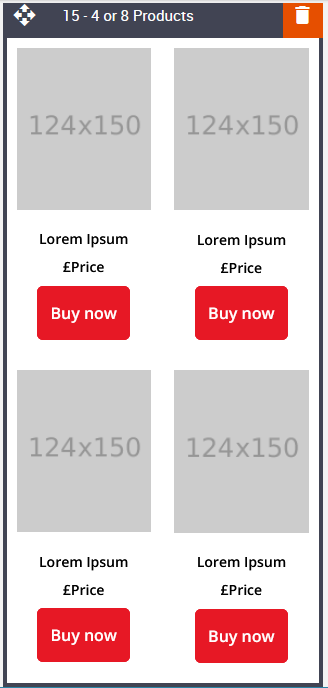
To keep the quality of image responsiveness in smaller devices a minimum width of between 480px / 520px will cover all responsive devices when stacking is on.
Images may then look oversized in Edit mode but look okay in Preview mode. Edit the text area before loading the image(s).
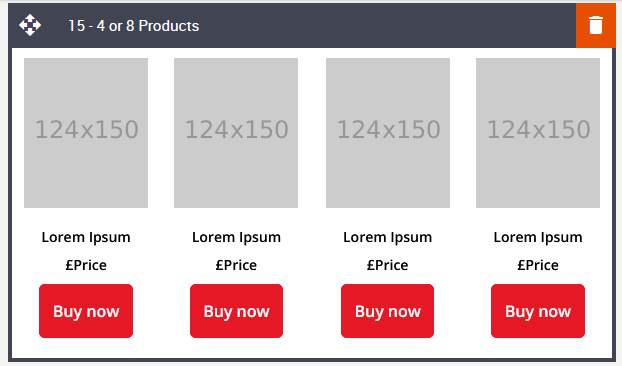
Default block view
Desktop
Mobile
Formatting options
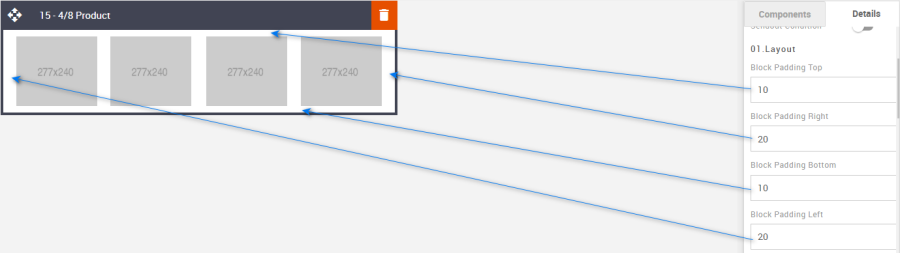
Padding
This refers to the space between the block's content and its border. This can be edited in the Details Tab.
Option | Details | Default |
Padding | Top | 10 |
Right | 20 | |
Bottom | 10 | |
Left | 20 |
Hide/Show 8 Products
It allows you to display or hide eight products.
Option | Details | Default |
Hide/Show | 8 Products | Hide |

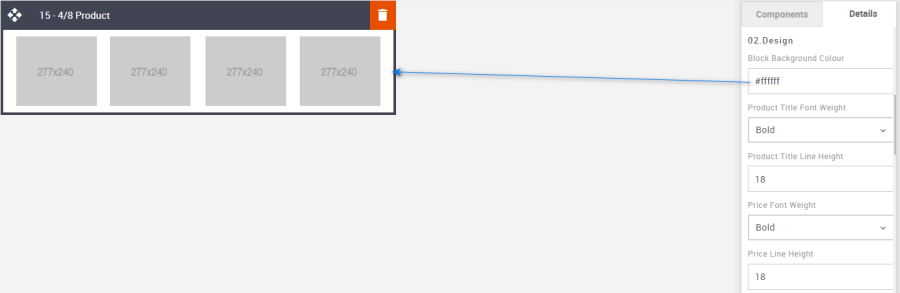
Block Background Color
It allows you to change the block's background color. It takes the hexacode of the color as the value to change the color.
Option | Details | Default |
Background Color | Block Background Color | #ffffff |
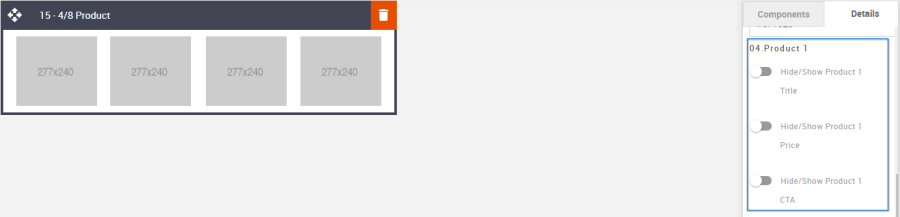
Hide/Show
It allows you to display or hide product titles, prices, and CTA.
Common settings for rest all products.
Option | Details | Default |
Hide/Show | Product Title | Hide |
Price Text | ||
CTA |
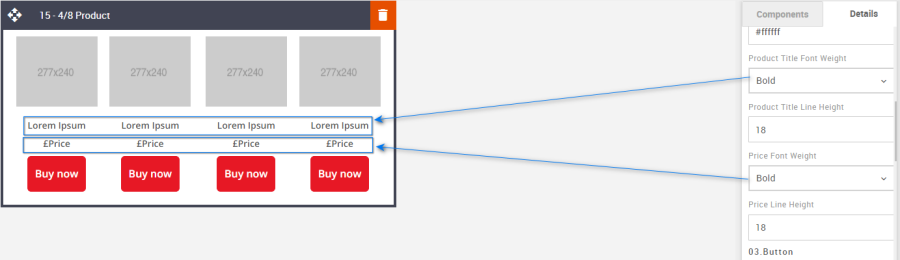
Font Weight
It allows you to change the font weight used for the "Product Title" and "Price text".
Option | Details | Dropdown | Default |
Font Weight | Product Title | Bold/Normal | Bold |
Price Text | Bold |
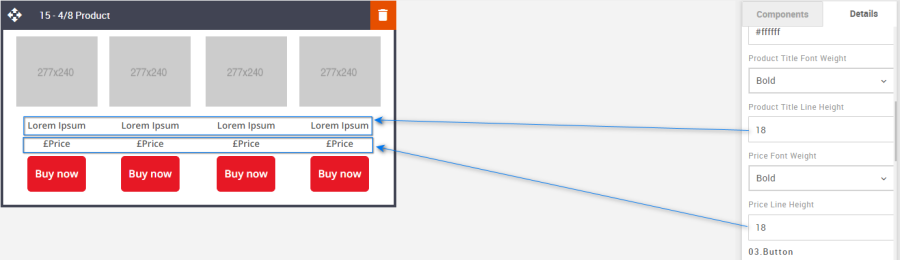
Line Height
It allows you to change the space between the line for "Product Title" and "Price text".
Please make sure that this value is at least 4px more than the font size used.
Option | Details | Default |
Line Height | Product Title | 18 |
Price Text | 18 |
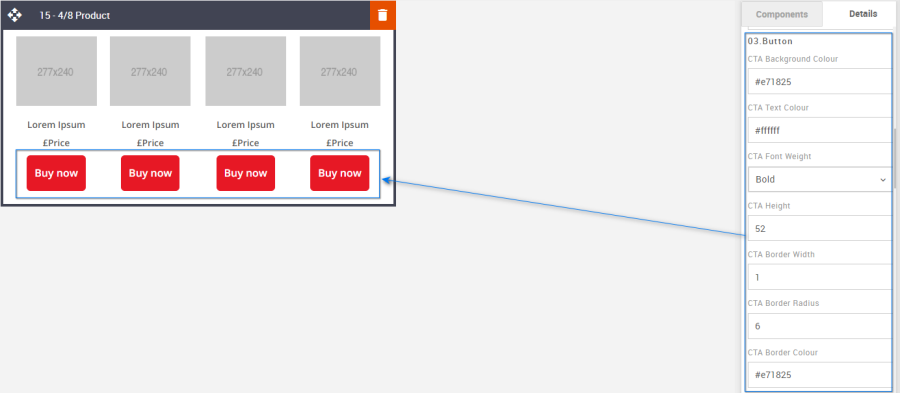
CTA
It allows you to format the CTA button according to the requirement. Details are below. It takes the color's hexacode as the value to change the color wherever applicable.
Option | Details | Default |
CTA | Background Color | #e71825 |
Text Color | #ffffff | |
Font weight | Bold | |
Border radius | 6 | |
Border width | 1 | |
Border Color | #e71825 | |
Height | 52 |
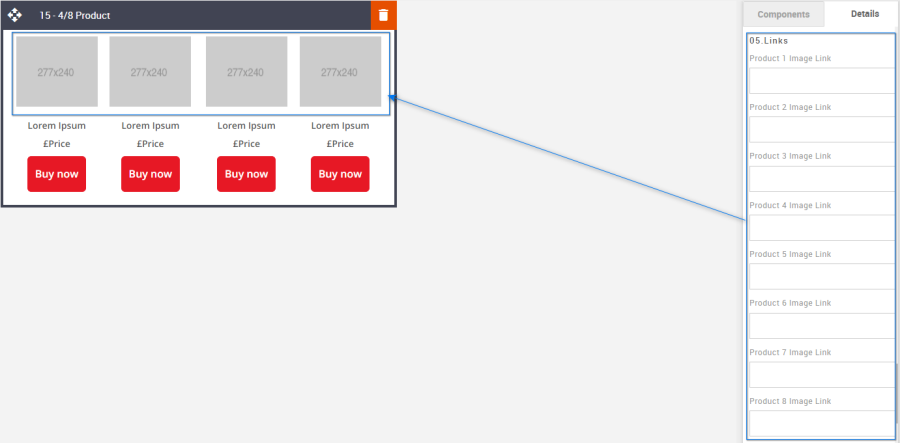
Product Image Links
It allows you to add the link to the Product images.
Option | Details | Default |
Links |
| Blank |
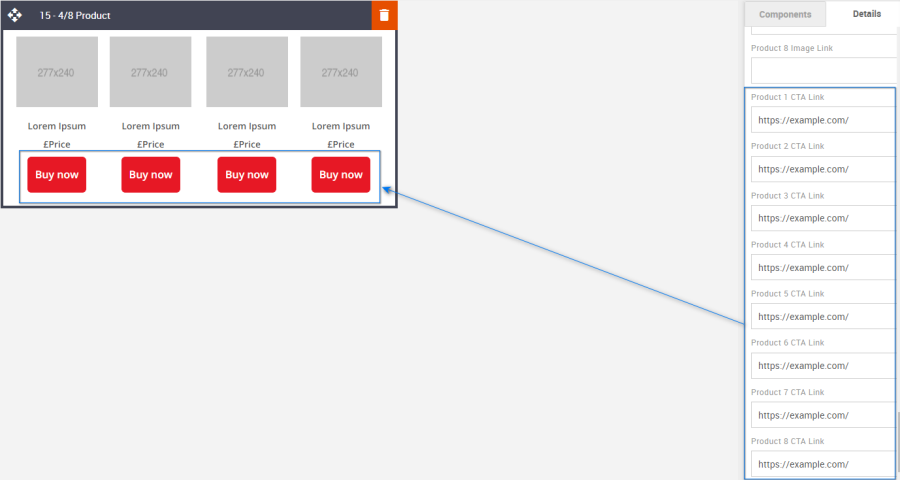
Product CTA Links
It allows you to add the link to the Product CTA.
Option | Details | Default |
| https://www.example.com |
Compatibility
Currently, the CTA button curved border does not render in the devices listed below. Instead, the corners will be square.
GMX Chrome Windows 10
GMX Edge Windows 10
GMX Firefox Windows 10
Web.de Chrome Windows 10
Web.de Edge Windows 10
Web.de Firefox Windows 10