Goal
Learn how to move segments to the archive to keep your workspace organized, and how to restore them when needed.
Background Information
The Segmentation Builder provides two views: Active Segments, shown by default, and Archived Segments. Archiving helps reduce clutter by moving segments you no longer need into a separate list. You can reactivate archived segments at any time.
Procedure
Switching Between Active and Archived Segments
Open Audience > Segmentation > Segmentation Builder.
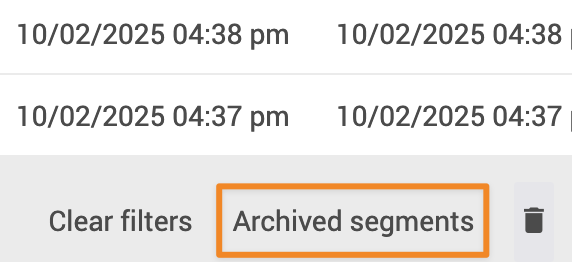
Below the table in the overview, select Active Segments or Archived Segments to switch between the lists.
Archiving a Segment
In Active Segments, select the segment you want to archive.
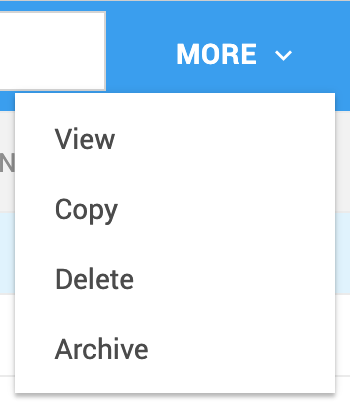
Click More, then Archive.
The segment moves to the Archived Segments list.
Restoring an Archived Segment
Open Archived Segments.
Select the segment you want to reactivate.
Click More, then Activate.
The segment returns to Active Segments.