Overview
This example shows how contacts who may need additional support can be identified based on recent content interactions. It applies to segmentation in Mapp Engage and uses the optional Topics of Interest Intelligence criterion.
This feature must be activated in your account.
Example setup
A marketer wants to follow up with contacts who recently interacted with content that suggests uncertainty or a need for clarification, such as help or legal information.
Instead of targeting specific links, the setup evaluates topic-level interest derived from clicked content within a recent timeframe.
The following screenshot shows the finished segment with the Topics of Interest criterion applied.

Steps
Create a segment using the Topics of Interest criterion.
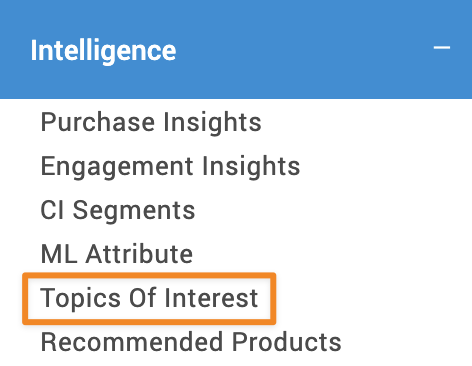
Add keywords that indicate a potential need for support (for example: help, assistance, terms, conditions).
Select the appropriate language for content analysis.
Adjust search accuracy to control how strictly content must match the defined topics.

Limit the evaluation to recent interactions (for example, the last seven days).
Use the segment in a follow-up message that offers clarification or guidance.
Notes
The criterion evaluates topic relevance based on content interactions, not explicit intent.
Search accuracy and timeframe strongly influence segment size and relevance.