You can access the Support Portal at https://support.mapp.com
Support Portal Accounts
Your portal account is pre-created by Mapp, and your account representative can create extra accounts upon request.
Setting up your portal Password
You must use the password reset process for your portal password upon first connecting.
Click Forgot your password? on the login page.
.png)
You’ll be prompted to enter the email address associated with your Support Portal account.
.png)
Enter your email address and click the Reset Password button. This will send you a confirmation email to validate your email address:
.png)
Once you receive the email, click on the confirmation link. This will take you to the Customer Portal, where you will be asked to enter a new password.
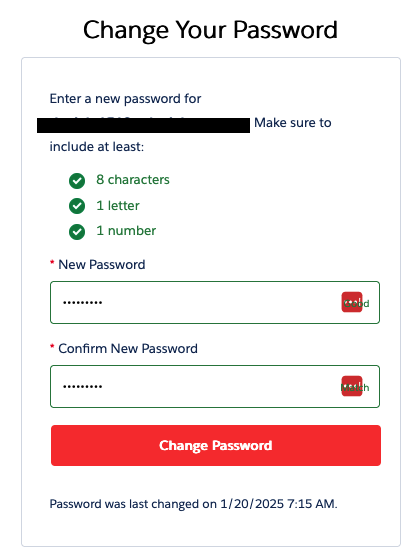
Once you click the Change Password button, you will be taken directly to the Support Portal main page.