Overview
Inbox Rendering provides an overview of email messages that have been processed for inbox rendering. The table lists available messages, including their status and key metadata, allowing users to review completed inbox rendering results and manage existing entries.
Navigation Path
Messages > Inbox Rendering
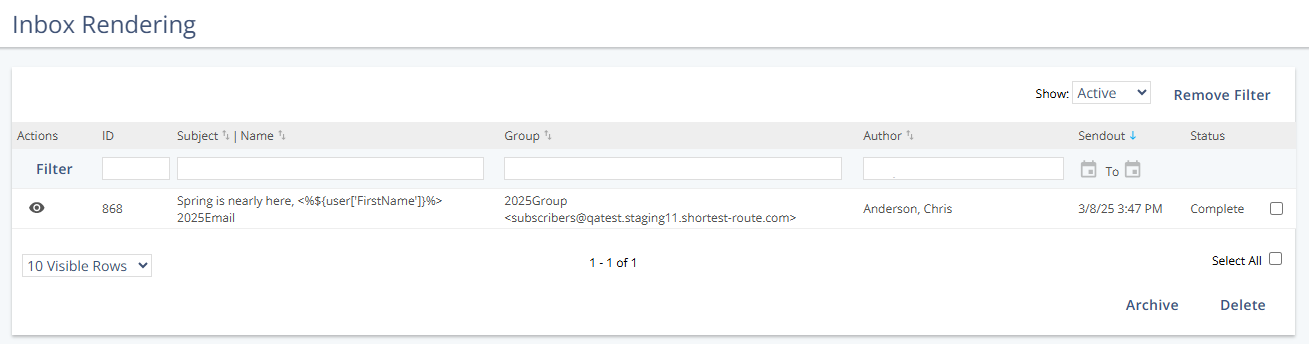
Table Columns
Column | Description |
|---|---|
Actions | Provides access to message-related actions, such as viewing inbox rendering details. |
ID | Displays the internal ID of the inbox rendering entry. |
Subject | Name | Shows the message subject and the message name. |
Group | Displays the group associated with the message. |
Author | Indicates the user who created the message. |
Sendout | Shows the date and time when the message was sent. |
Status | Indicates the current processing status of the inbox rendering entry. |
Actions
Action | Description |
|---|---|
View | Opens the inbox rendering details for the selected message. |
Archive | Moves the selected inbox rendering entry to the archive. |
Delete | Permanently removes the selected inbox rendering entry. |