08 Feb 2024 Your segments can now be easily mapped to another, or replaced, when copying reports into other Mapp Intelligence accounts.
Key Benefits
When copying a report containing a segment:
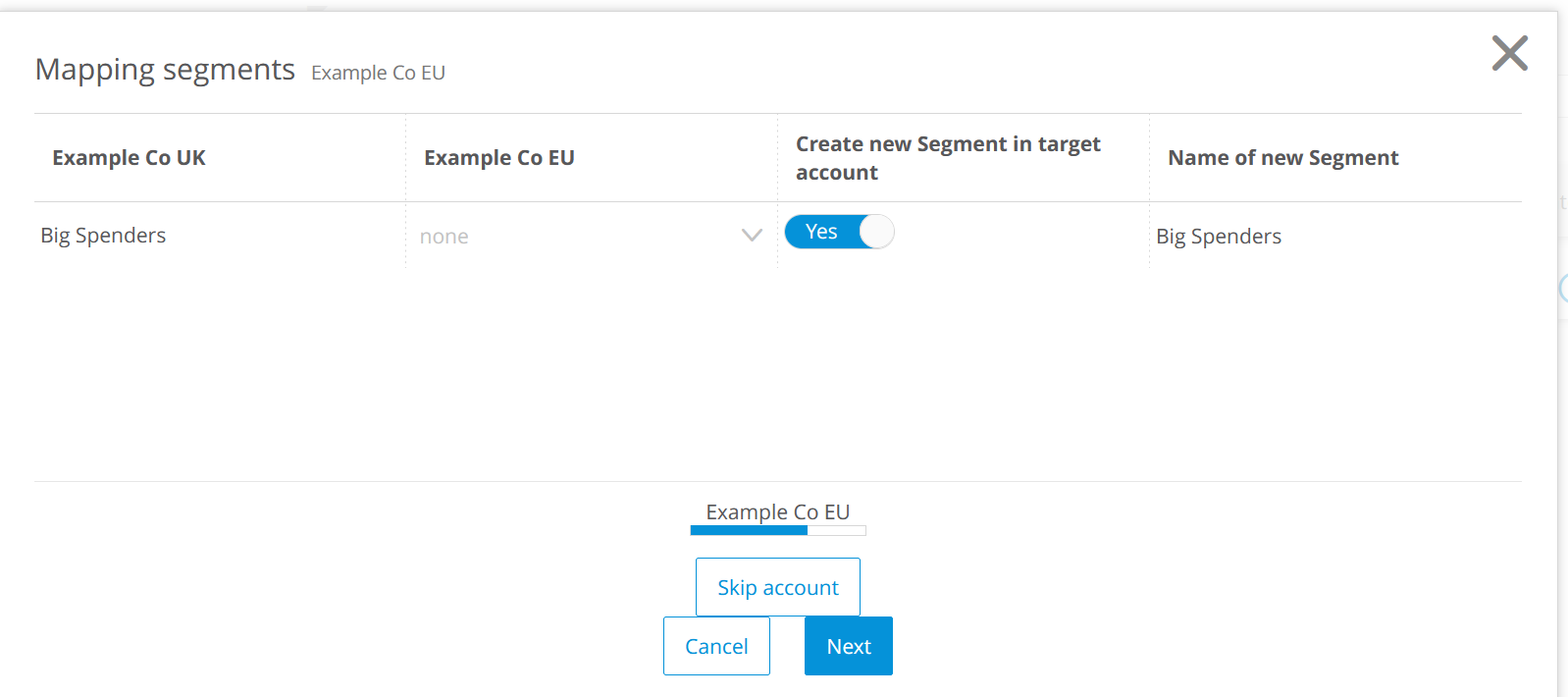
You can use an existing segment in the target account with your report copy.
Or, a new segment can be created automatically in the target account, and you can update its filter values.
How does it work?
In your report, select Create a Copy from the menu in the upper right-hand corner.
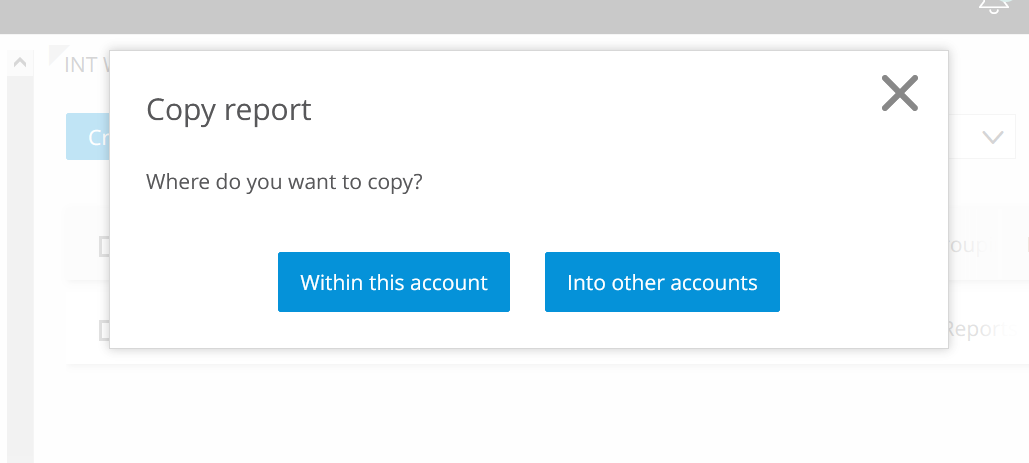
Select Into other accounts.
In the Mapping Segments screen, select an existing segment to map to or create a new one.
Continue with your process as normal.
Availability
This feature went live on February 8th.