Overview
This example shows how to notify existing app users about a new app version based on their installation status.
It applies to Mobile Push Notifications and In-App Messages in Mapp Engage.
All targeting logic and time thresholds are defined by the marketer.
Example setup
A marketer wants to inform app users about a new release and encourage them to update.
Instead of notifying all users, the setup targets contacts whose app installation date indicates an outdated version. This ensures that update reminders are sent only to contacts who are likely to benefit from them.
The following screenshot shows the finished segment with the App Installation Date criterion applied.

The segment is then used as the target audience for mobile messaging.
Steps
Create a segment using the Mobile Activity criterion.
Select App Installation Date.
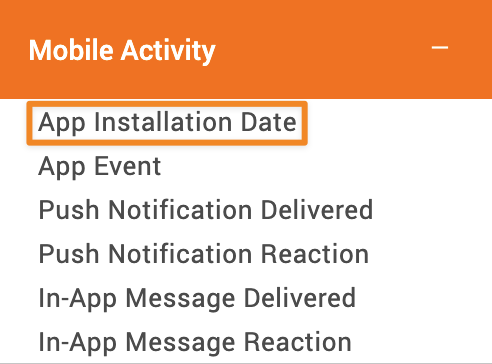
Define a relative condition (for example, installation date is more than three months ago).
Use the segment as the Specific Target Audience in a Mobile Push Notification or In-App Message.
Link to the App Store or Play Store so contacts can update the app.
Notes
The segment is based on installation status and installation recency, not app usage behavior.
Mobile Push Notifications and In-App Messages differ in delivery context:
Push notifications are sent regardless of whether the app is currently in use.
In-app messages are displayed while the contact is actively using the app.