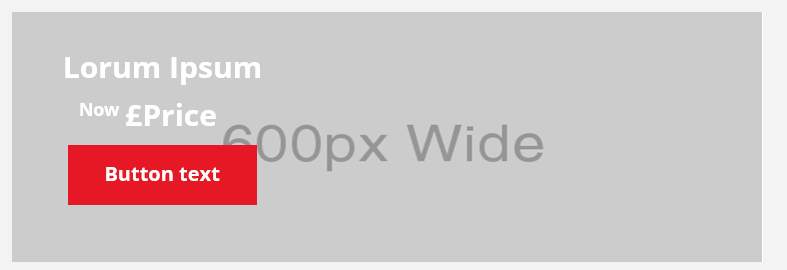
Description
An image block with overlaid elements such as a heading, text area, and button can be hidden or shown. The contained image is coded as a background image to overlay these elements, which limits what can be done with the image for some email clients. As with the Hero block, uploading a mobile-friendly-sized image is recommended. This block is incompatible because the button cannot render rounded corners in some email clients.
Default block view
Desktop
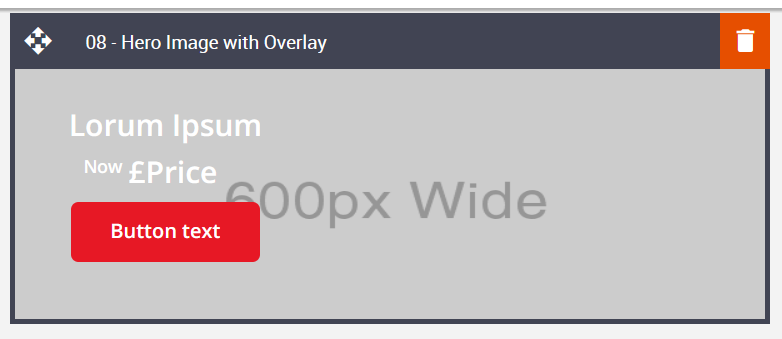
Mobile

Formatting options
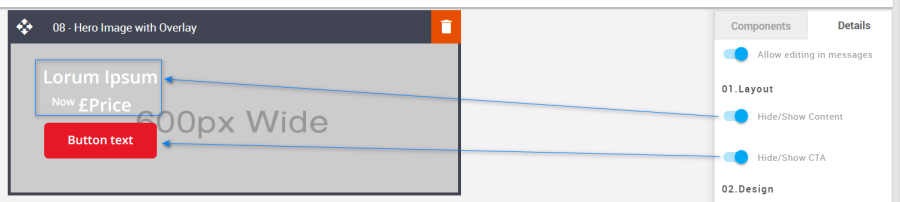
Hide/Show
Used to hide or show the Content or CTA.
Option | Details | Default |
|---|---|---|
Hide/Show | Content | Show |
CTA | Show |
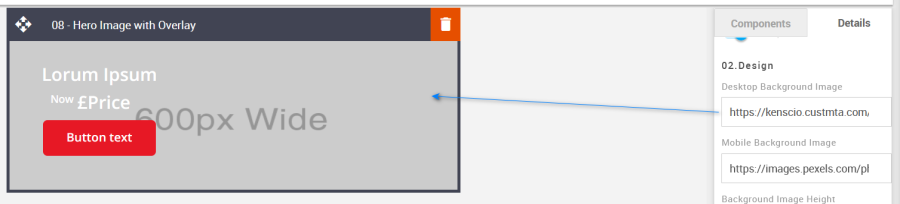
Desktop Background Image
Used to change the desktop background images in the block.
Option | Details | Default |
|---|---|---|
Background Image | Desktop Background Image | https://amundsen.shortest-route.com/cts-demo/imgproxy/img/2040341002/600x295.png?text=Desktop |
Mobile Background Image
Used to change the mobile background images in the block.
Option | Details | Default |
|---|---|---|
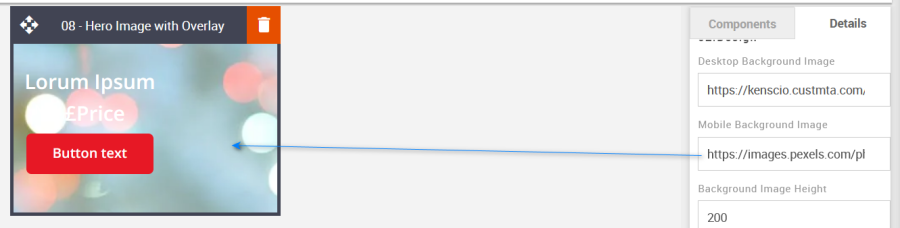
Background Image | Mobile Background Image | https://amundsen.shortest-route.com/cts-demo/imgproxy/img/2040341186/bubbles_placeholder.png |
Content Position
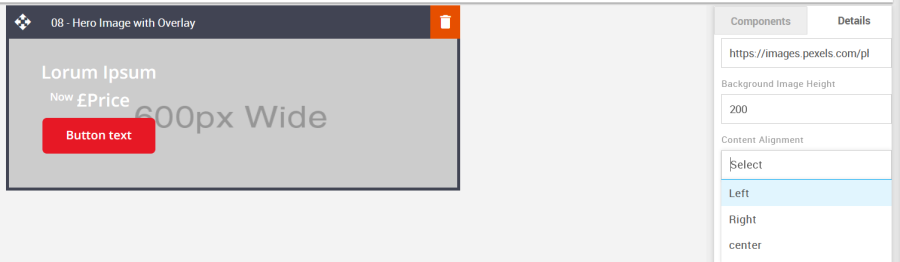
This option can be selected via the drop-down in the Details tab and is used to align the block content.
Option | Dropdown | Default |
|---|---|---|
Content Position | Left | Left |
Centre | ||
Right |
Font Weight
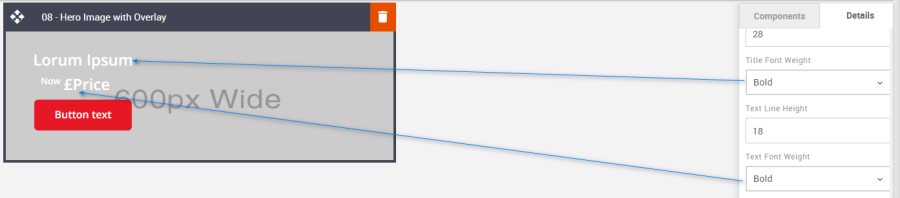
Used to change the weight of the font. Each element is independent of one another.
Option | Details | Dropdown | Default |
|---|---|---|---|
Font Weight | Title | Bold/Normal | Bold |
Text | Bold | ||
Price | Bold |
Line Height
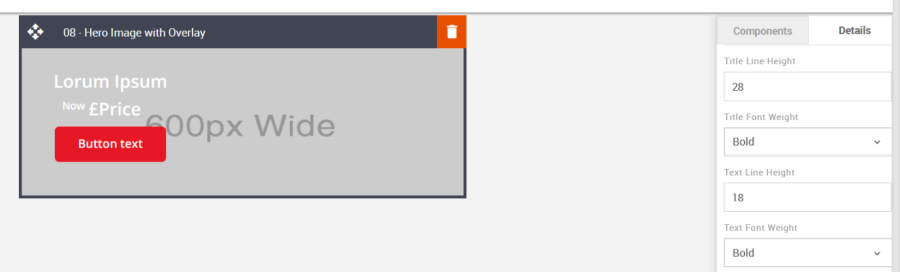
Used to change the text line height.
As with all text, please be sure the minimum line height value is not less than 4px higher than the font size. For example, if the font size is 18px, the line height should not exceed 22px.
Option | Details | Default |
|---|---|---|
Line Height | Title | 28 |
Text | 18 |
CTA
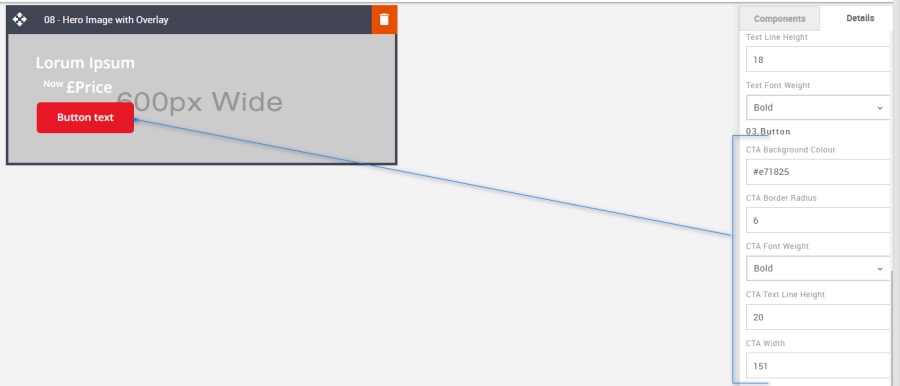
All CTA's have multiple styling options. As with all Colors, please use HEX values.
Option | Details | Default |
|---|---|---|
CTA | Background Color | #e71825 |
Border radius | 6 | |
Font weight | Bold | |
CTA Text Line Height | 20 | |
CTA width | 151 |
Links
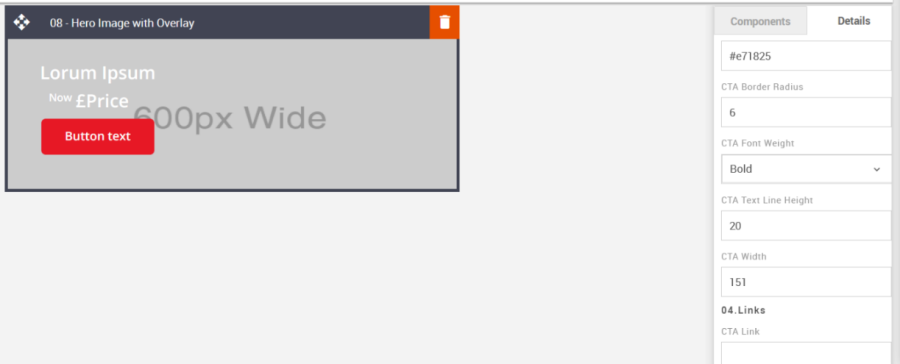
It allows you to add the link to the image and CTA button.
Option | Details | Default |
|---|---|---|
Link | CTA Link | Blank |
Mobile Title Font Size
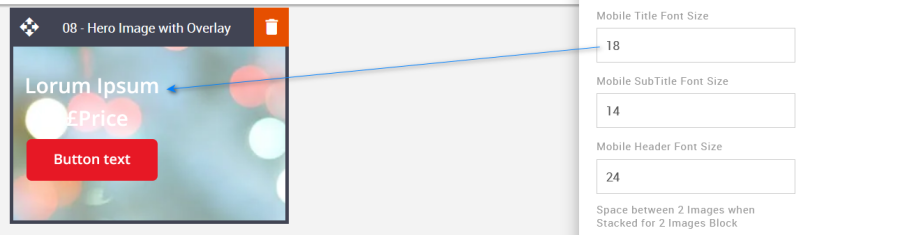
Used to set the font size for mobile view. It allows you to update the title's font size in mobile view. This will need to be updated using the option in the Advanced Tab.
Option | Details | Default |
|---|---|---|
Font Size | Mobile Title Font Size | 18 |
Compatibility
CTAs with curved corners will not display as curved when placed on top of a background image. When images are configured as background images, this limits the type of functionality that can be applied to them and anything they are overlaid with. This is industry-wide.