From within your Mapp Intelligence Dashboard, you may also access the Mapp Engage Dashboard if you are a Mapp Intelligence Customer. To open your Mapp Engage Dashboard, perform the following steps:
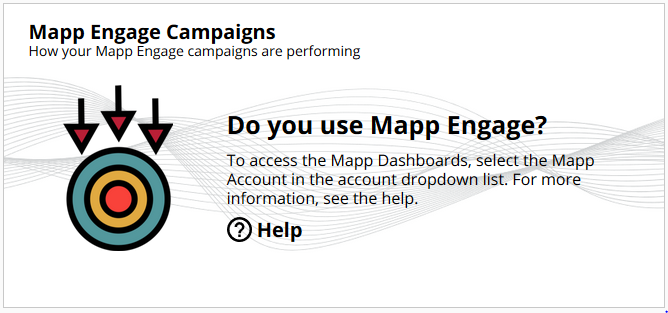
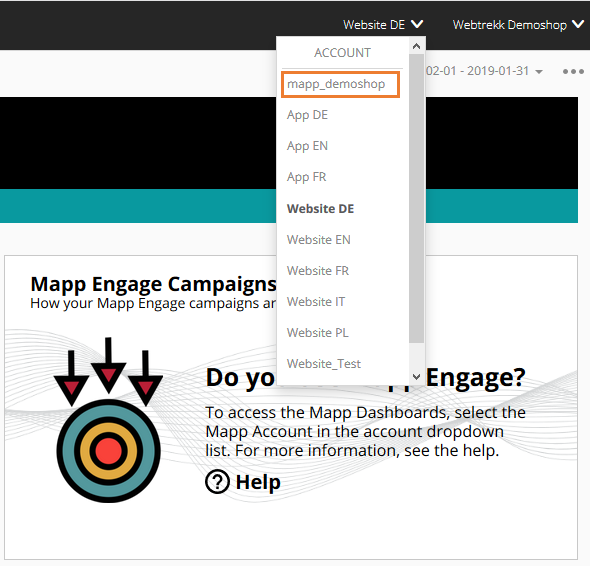
Choose your Mapp account from the account list:
Choose "Start Mapp Engage" from the main menu on the left:

Now you see your Mapp Engage Dashboard and can start using it by clicking the links in the sections "Campaigns" and "Analytics":
.png "image(3).png")
Further information on the Mapp Engage Campaign Dashboards can be found here.