Goal
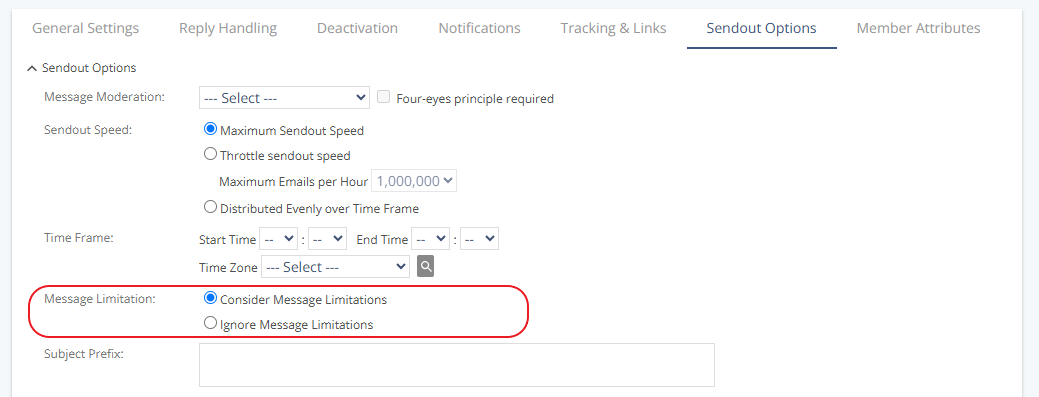
Enable message limitation for a group so that both system-wide and contact-specific message limitations apply to sendouts in that group.
Procedure
Go to Audience > Group Management > Groups.
Open the group you want to edit.
Click the Sendout Options tab.
In the Message Limitation area, select Consider Message Limitations.
Click Save.