Overview
The SMS Statistics section provides basic delivery data for sent SMS messages. It helps users evaluate message performance, identify delivery issues, and understand common bounce reasons. Due to technical limitations of SMS, interaction-level metrics such as opens or clicks are not available.
Background Information
SMS metrics are limited compared to email due to the nature of the SMS protocol.
Mobile numbers producing a spam response are automatically deactivated to prevent further delivery attempts.
Navigation Path
Statistics > Group Messages > SMS
Statistics > Single Messages > SMS
Statistics
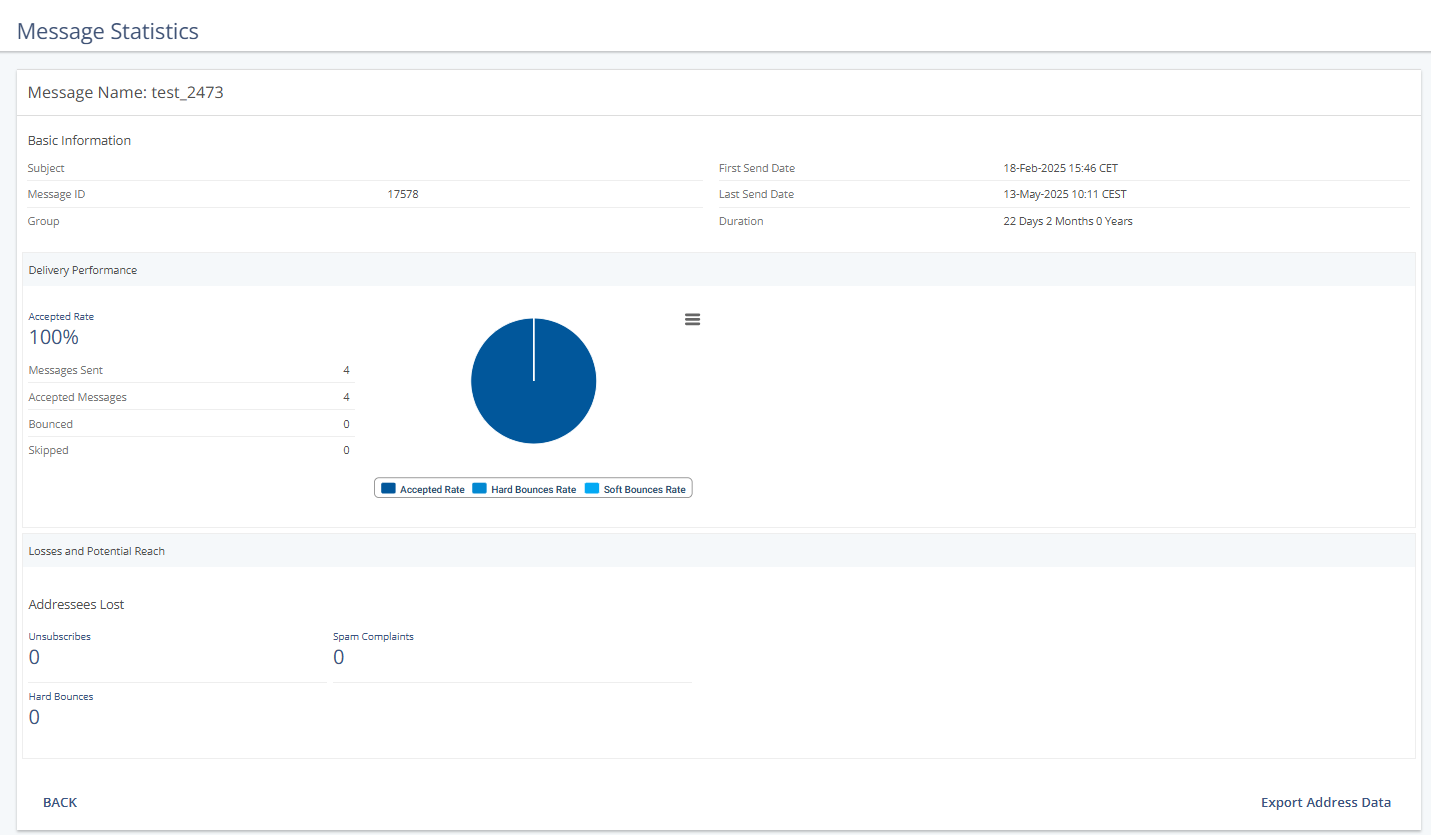
Delivery Performance
Statistic | Description |
|---|---|
Messages Sent | Displays the total number of SMS messages sent by the system. |
Accepted Messages | Displays the total number of SMS messages delivered to the recipients' inbox. |
Bounced | The number of SMS messages that were not delivered because they were rejected by the recipient's carrier or failed due to issues such as invalid numbers, blocked numbers, or network errors. |
Skipped | Lists how many messages failed to deliver and categorizes the failure type. |
Bounce Categories (Addressees Lost)
Bounce Type | Description |
|---|---|
Unsubscribed | Message was refused by the carrier, potentially due to the subscriber's SMS quota being exceeded. |
Hard Bounces | Displays the number of SMS messages that failed to deliver due to a permanent error (e.g., an invalid or deactivated phone number). The recipient's carrier rejects these messages and cannot deliver them. |
Spam Complaints | The subscriber has opted out of receiving further messages, or the content triggered a spam warning. These numbers are automatically deactivated. |
Actions
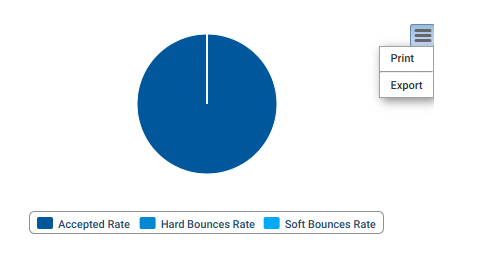
Print or Export Graph
Click the hamburger menu to print or export the graph.
Export Address Data
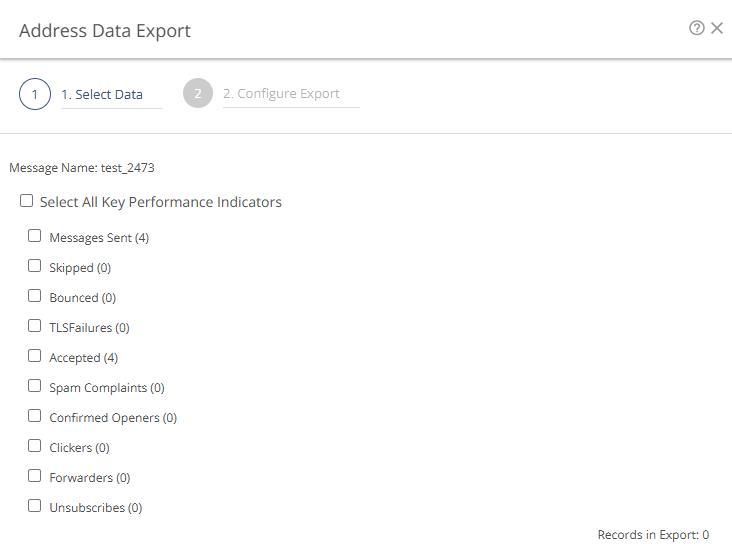
Click Export Address Data to configure a KPI export.