Description
This block can be used to create up to four rows of an ordered or unordered list with various style choices. Select numbers and characters or load a custom image to use as the marker points. There are alignment and font styling options.
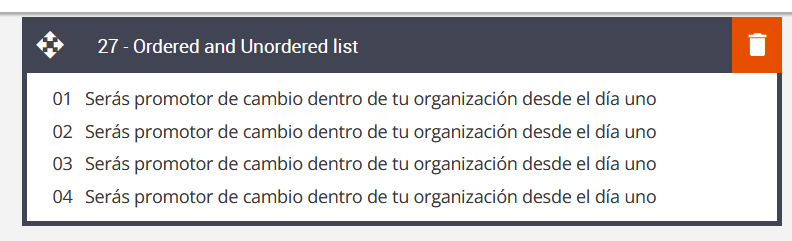
Default block view
Desktop
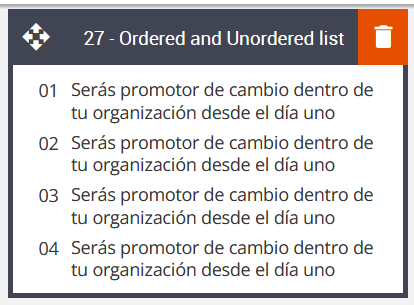
Mobile
Formatting options
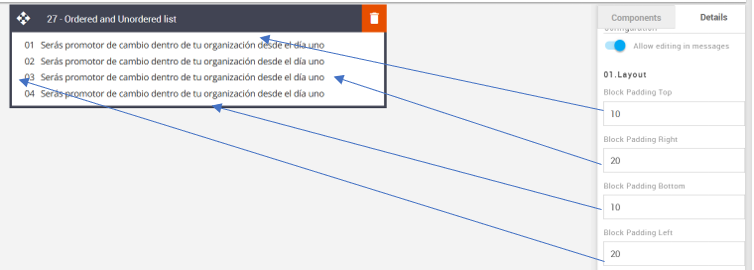
Padding
This refers to the space between the block's content and its border. This can be edited in the Details Tab.
Option | Details | Default |
Padding | Top | 10 |
Right | 20 | |
Bottom | 10 | |
Left | 20 |
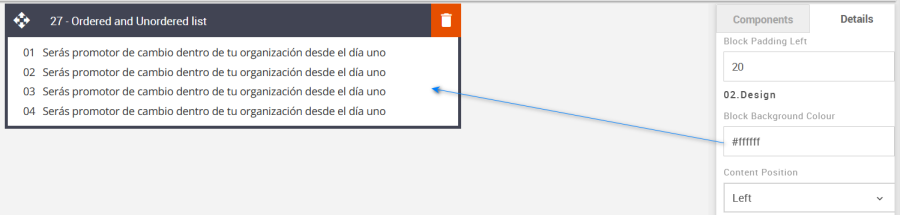
Block Background Color
Used to change the block background color. Only use HEX color values. HTML email only recognizes 6-digit long-hand versions and has patchy support for shorthand versions.
Option | Details | Default |
Background Color | Block Background Color | #ffffff |
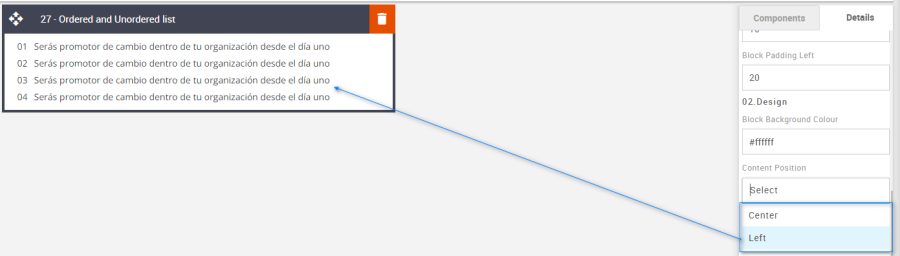
Content Position
Used to align the content Left or Center. There is no right option in this instance.
Option | Details | Default |
Content Position | Left | Left |
Center |
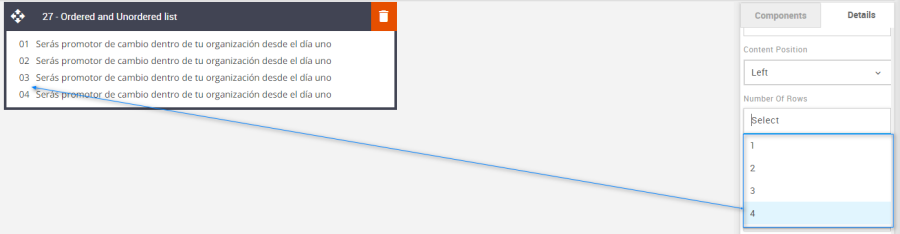
Number of Rows
Use the drop-down menu to select up to 4 rows.
Option | Details | Default |
Number of Rows |
| 4 |
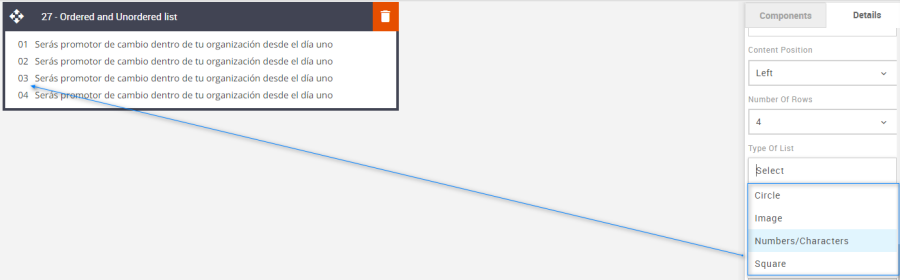
Type of List
Use the drop-down menu to select up to four different styled markers.
Option | Details | Default |
Type of List |
| Number/Characters |
Line Height
Used to change the text line height.
As with all text, please be sure the minimum line height value is not less than 4px higher than the font size. For example, if the font size is 18px, the line height should not exceed 22px.
Option | Details | Default |
Line Height | Text | 18 |

List Marker Image
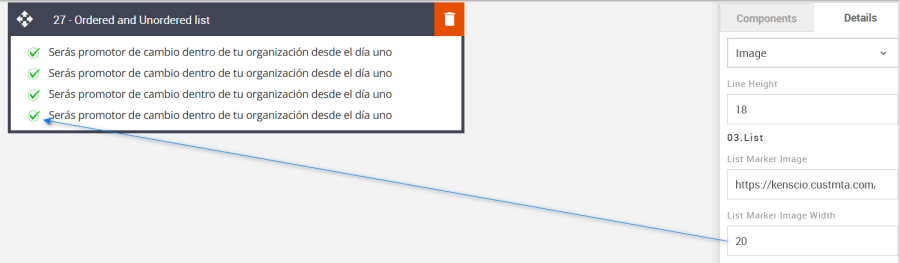
Apply a unique image marker. Upload the new image to the Content Store and paste the URL into the List Marker Image field.
Option | Details | Default |
List | List Maker image | https://amundsen.shortest-route.com/cts-demo/imgproxy/img/2040365779/tict_img.png |
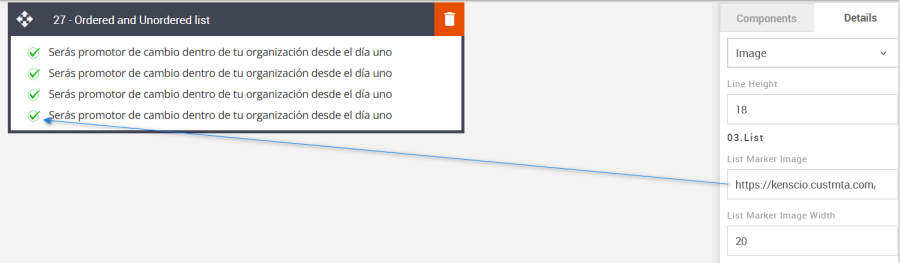
List Marker Image Width
The width of the Marker can also be set.
Option | Details | Default |
List | Marker image Width | 20 |
List Marker Color
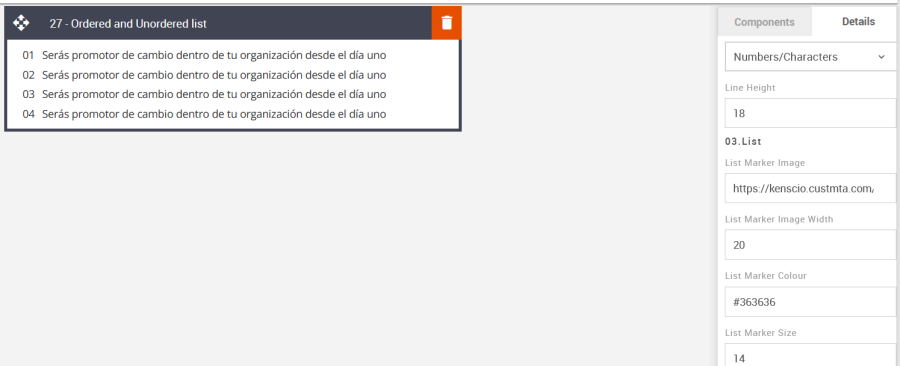
This option will change the color of the list marker when Numbers/Characters, circles, or squares are selected.
Option | Details | Default |
List | Maker Color | #363636 |
List Marker Size
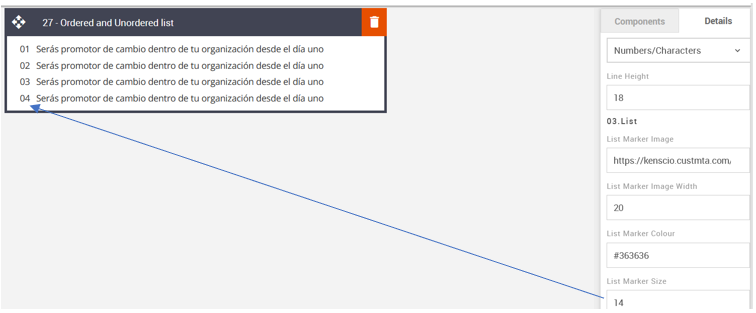
The Numbers/Characters, Circle, or Square size can be set here.
Option | Details | Default |
List | Maker Size | 14 |
Compatibility
There are no known render issues with this block.