Goal
Deactivate or reactivate a single contact directly in the contact profile.
Procedure
Navigate to Audience > Contact Management > All Contacts.
Search for the contact you want to update.
Open the contact profile.
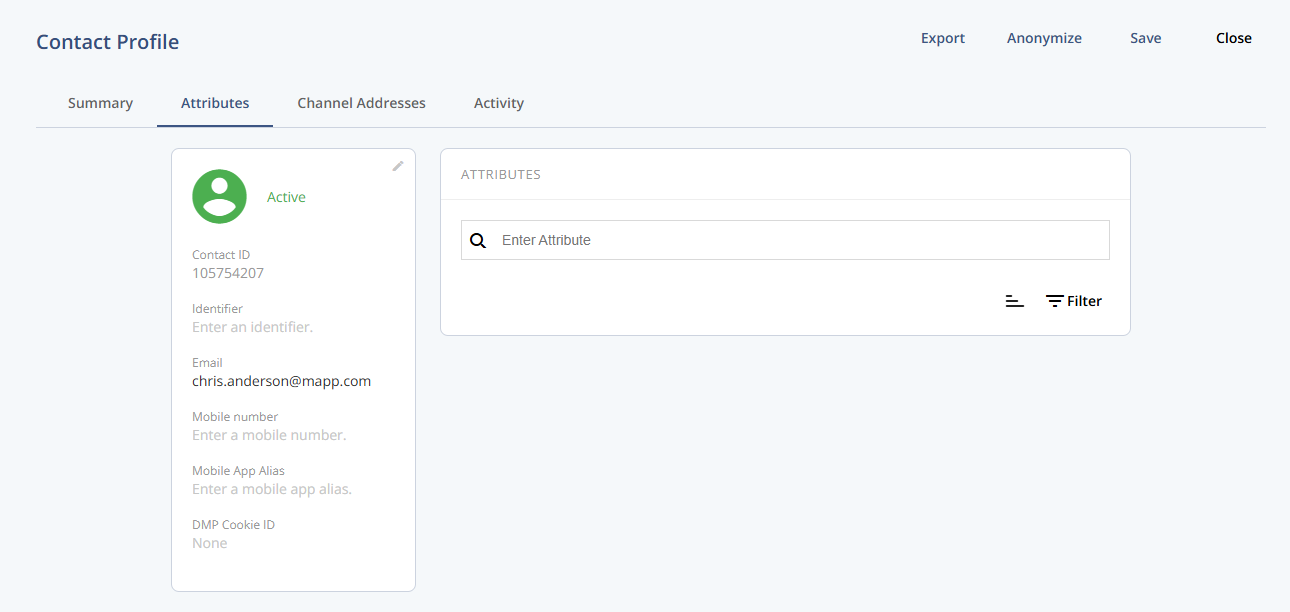
In the contact profile header, locate the deactivation status control.
Select one of the following options:
Deactivate – Prevents the contact from receiving messages across all channels.
Reactivate – Restores the contact’s eligibility for messaging.
Click Save in the header to apply the change.
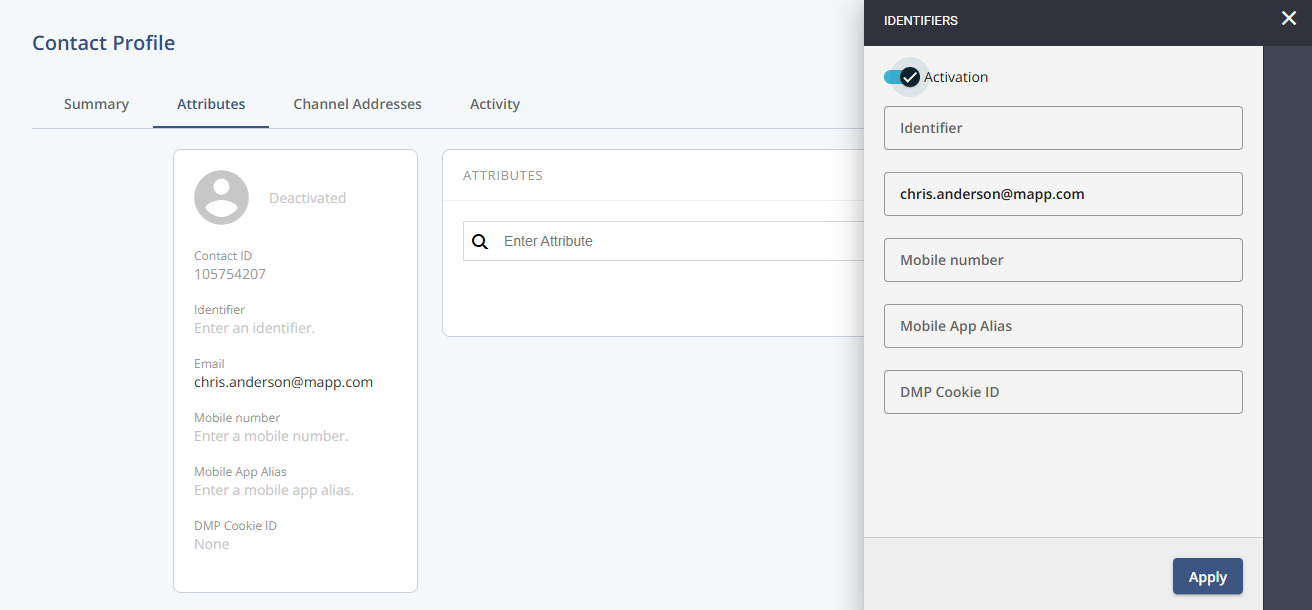
Result
The contact’s deactivation status is updated immediately.
If deactivated, the contact is excluded from all messaging across channels.
If reactivated, the contact becomes eligible for messaging again, subject to group membership and segmentation.