To track Shopify store data in Mapp Intelligence:
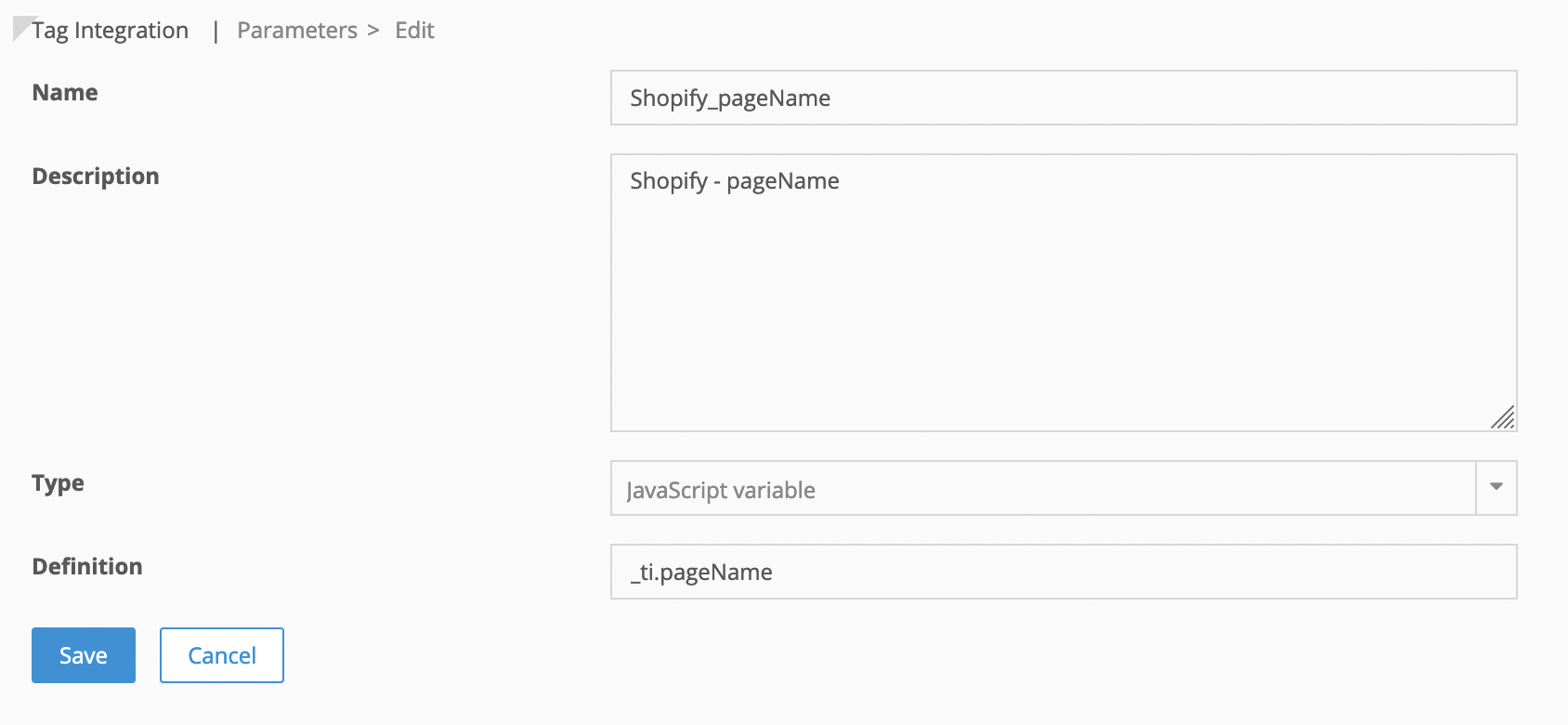
Create a parameter in Tag Integration to read data from the _ti object.
Example: To track pageName, create a parameter that reads _ti.pageName.
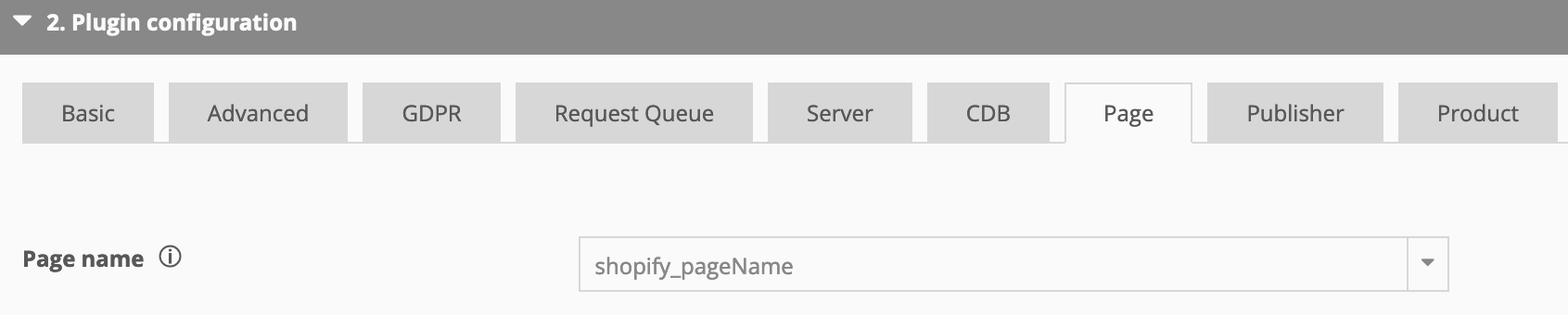
Map the parameter to the Mapp Intelligence plugin in your container.
Below is an overview of _ti attributes and suggested mappings:
Attribute | Description | Suggested mapping |
|---|---|---|
pageName | URL without parameters or “Order confirmation” on the Thank You page after an order. | Page → Page name |
customerId | Customer ID if the visitor is logged in. | Visitor → Customer Id |
contentCategory | First Content Group to categorize pages | Page → Content Groups |
contentSubcategory | Second Content Group to categorize pages | Page → Content Groups |
internalSearch | Search term on the search result page. | Page → Internal Search Phrase |
productCost | Product price, calculated based on quantity during order or cart additions. | Product → Product Costs |
productId | Product variation ID. | Product → Product Name or ID |
productParentId | Main product ID. | Product → Product Categories |
productName | Product title. | Product → Product Categories |
productQuantity | Number of products. | Product → Product Quantity |
productCategory | Product type. | Product → Product Categories |
shoppingCartStatus | Possible statuses:
The status “checkout” is available only for Shopify Plus customers and requires manual script addition in the checkout app. | Product → Shopping Cart Status |
currency | The currency ISO code. | Product → Currency |
orderId | The ID of an order. | Product → Order ID |
totalOrderValue | The total value of an order, incl. taxes. | Product → Total Order value |
couponValue | Value of coupons during order. | Product → Predefined → Voucher Value |