10 July 2025 The Countdown Timer service in Mapp Engage has been significantly enhanced to offer full design and localization control, helping you create timers that truly fit your brand and audience.
Key Benefits
You can now customize your countdown timers with the following options:
Separate Font Sizes: Set different font sizes for numbers and captions to emphasize what matters most.
Flexible Date & Time Formats: Remove seconds or change dividers to suit different cultural formats and campaign types.
Time Zone Display: Show the time zone to avoid confusion for global audiences.
Transparent Backgrounds: Make timers visually integrate into any email background.
Remove Captions: Simplify the visual appearance by hiding time unit labels.
Custom Captions: Translate or adapt labels (e.g., "hours", "mins") per language or campaign context.
Custom Fonts: Apply your brand fonts for consistent branding across channels.
Image Backgrounds: Use a background image instead of a solid color for added visual interest.
How does it work?
The countdown timer functionality can be used in HTML and CMS emails and on landing pages in Mapp Engage.
Create a new block using the HTML parameters listed here.
Apply your styling and formatting choices.
Embed the block into your content.
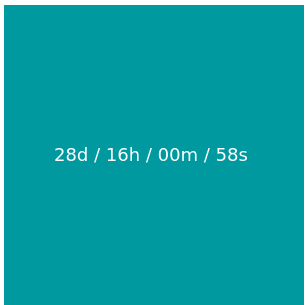
Your existing blocks using this funcionality will not be automatically updated and you must adjust them to use the new options. Please refer to the online help article Countdown Timer GIF for details.
Availability
This feature enhancement was rolled out on July 10th, 2025, and is available by default on all Mapp Engage systems.