Overview
The Summary step in Web Push Notification creation allows you to review all message and delivery settings before launching or scheduling your web push message. This is the final checkpoint to confirm content, timing, and targeting before proceeding with the sendout.
Navigation Path
During message creation, follow the message creation process until you reach Summary.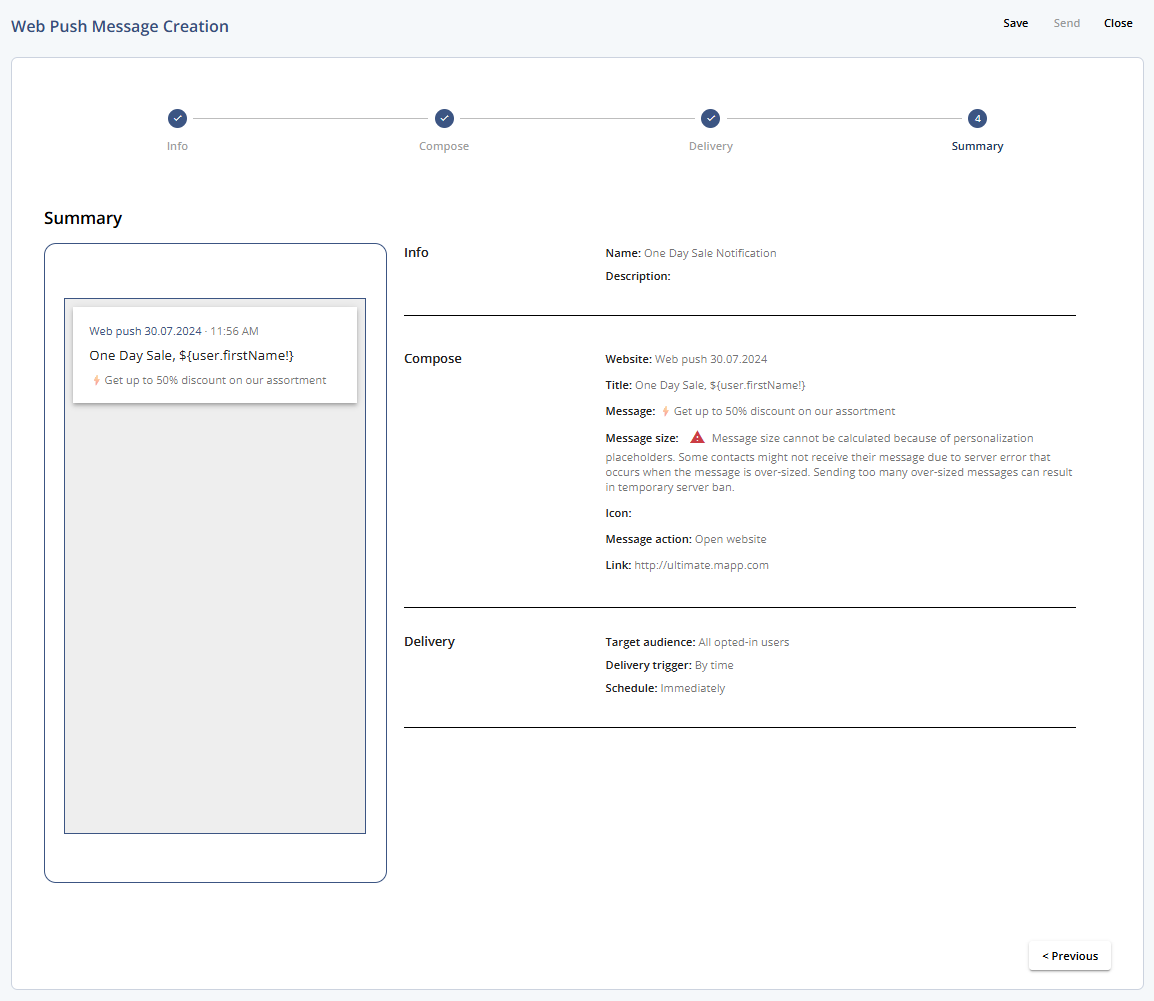
1 Summary
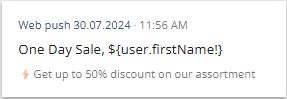
1.1 Preview
Displays a finalized version of the notification. Used for final review before scheduling or sending.
1.2 Info
Setting | Description |
|---|---|
Name | Internal name for the web push message. |
Description | An optional description to clarify the message’s purpose. |
1.3 Compose
Setting | Description |
|---|---|
Website | Indicates the web channel selected for the push notification. |
Title | The title of the web push notification as it appears to the user. |
Message | Body text of the web push notification. |
Message Size | Displays whether the message length stays within platform limits. |
Icon | The attached icon/image, if any. |
Message Action | For web push Open website is used by default. |
Link | Defines the URL that will be opened upon clicking. |
1.4 Delivery
Setting | Description |
|---|---|
Target Audience | Specifies the segment of users who will receive the push. |
Delivery Trigger | Displays the condition for sending: “By time”. |
Schedule | Shows the set time for delivery, or Immediately if no delay is configured. |
2 Buttons and Actions
Action | Description |
|---|---|
Save | Saves the message as a draft. |
Send | Starts the sendout immediately. |
Schedule | This button appears instead of Send if the message is scheduled for later. |
Close | Closes the message without saving changes. |
Previous | Returns to step 3 - Delivery. |