Overview
Define how and when a web push notification is delivered to your users. You can send the message immediately or schedule it for a specific date and time. You can also target all opted-in users or a specific segment.
Navigation Path
During message creation, follow the message creation process until you reach Delivery.
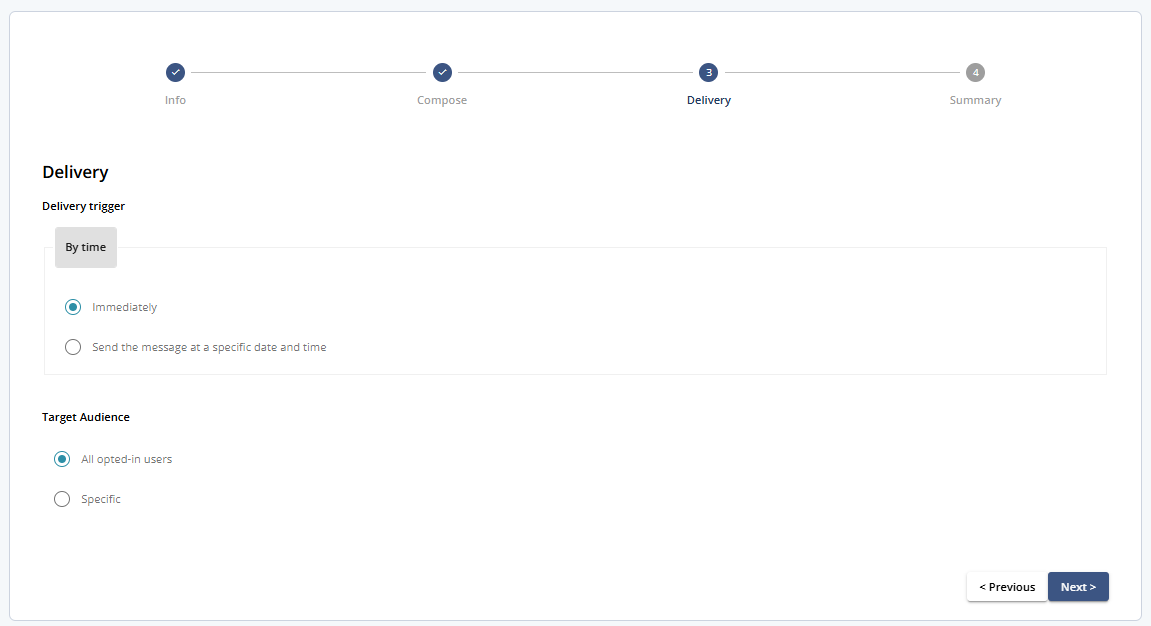
Delivery
Choose the condition that triggers message delivery:
1 Delivery trigger
By time
Send immediately or schedule for a future date/time and time zone.
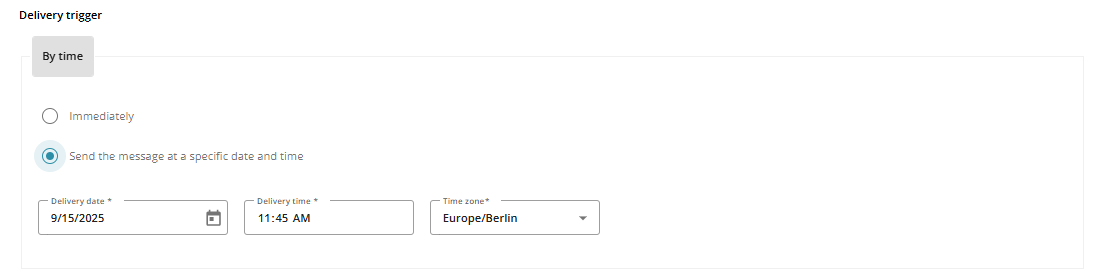
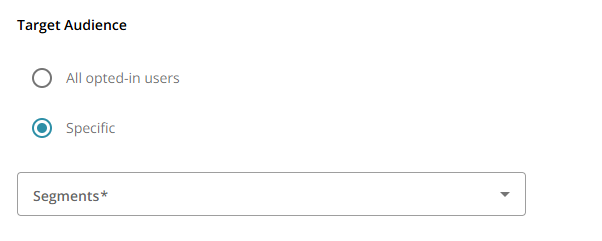
2 Target Audience
All opted-in users: Deliver to all app users who have opted in to push notifications
Specific: Deliver only to users in a selected segment that you choose from the Segments drop-down.
3 Buttons and Actions
Action | Description |
|---|---|
Save | Save the delivery settings |
Close | Close the message without saving |
Previous | Go back to Step 2: Compose |
Next | Proceed to Step 4: Summary |