Overview
Define how and when a push notification is delivered to your app users. Choose to send the message immediately, schedule it, or trigger it based on user location or an API call. You can also target either all opted-in users or a specific segment.
Navigation Path
During message creation, follow the message creation process until you reach Delivery.
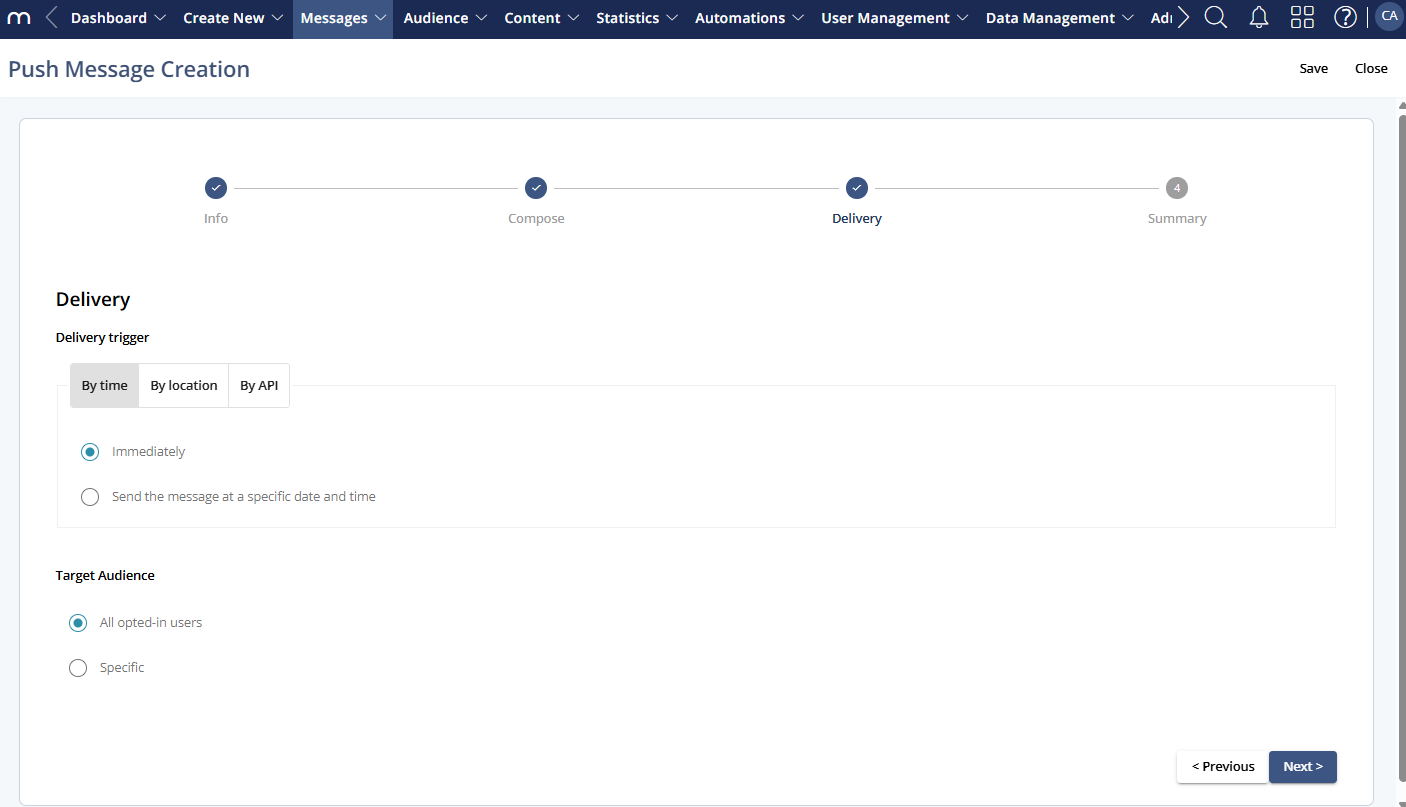
Click Previous to return to Step 2 - Compose.
Click Next to proceed to Step 4 - Summary.
Delivery
Choose the condition that triggers message delivery:
1 Delivery trigger
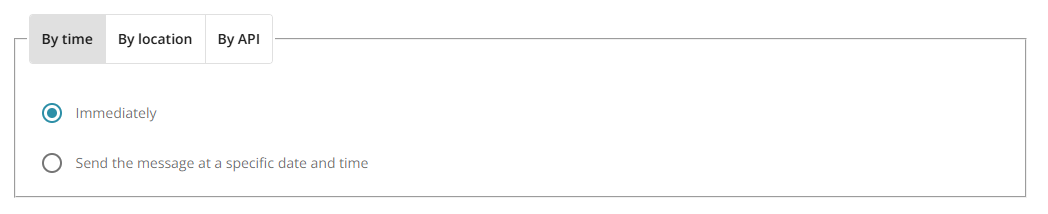
1.1 By time
Send immediately or schedule for a future date/time and time zone.
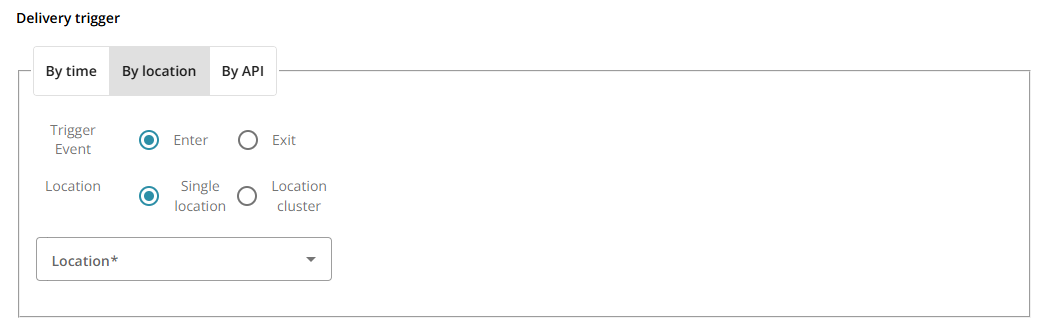
1.2 By location
Trigger when users enter/exit a defined location or location cluster.
1.3 By API
Trigger delivery programmatically via an API request.

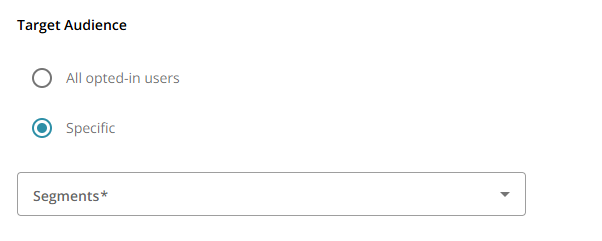
2 Target Audience
All opted-in users: Deliver to all app users who have opted in to push notifications
Specific: Deliver only to users in a selected segment that you choose from the Segments drop-down.
3 Buttons and Actions
Action | Description |
|---|---|
Save | Save the delivery settings |
Close | Close the message without saving |
Previous | Go back to Step 2: Compose |
Next | Proceed to Step 4: Summary |