Overview
Add a contact to the System Blacklist and remove all profile data stored for that contact.
Navigation Path
Go to Audience > Contact Management > All Contacts
In the Actions column of the desired contact, click Blacklist.
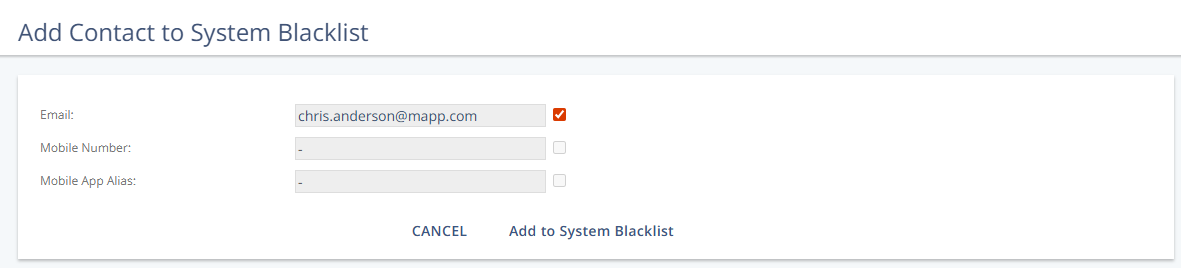
Settings
Here you can select or clear the contact identifiers to add to the system blacklist.
Identifier Type | Description |
|---|---|
The contact’s email address. | |
Mobile Number | The contact’s mobile phone number. |
Mobile App Alias | Alias generated by a mobile app. |
Action
Action | Description |
|---|---|
Add to system Blacklist | Adds the selected contact to the system Blacklist. |