Overview
The Member Attributes tab displays the member attributes aacurrently assigned to a group. In this interface, you can review and remove attributes so that only relevant data is associated with the group.
Navigation Path
Navigate to Audience > Group Management > Groups.
Click Change Settings next to the group you want to view.
Open the Member Attributes tab.
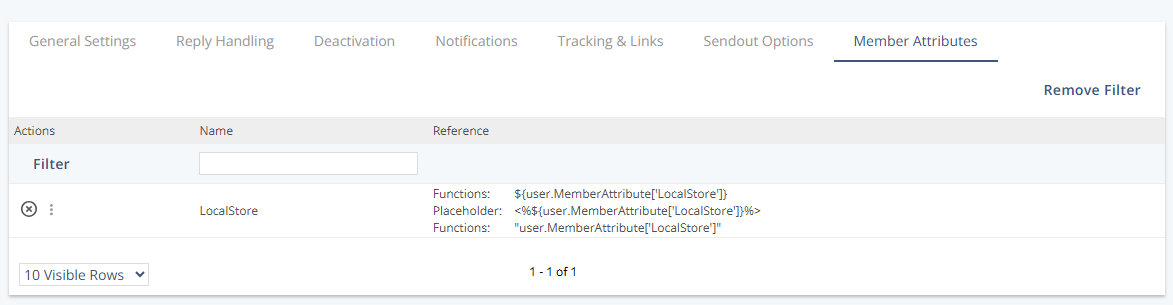
Actions
Action | Description |
|---|---|
Remove | Removes the selected member attributes from the group so they are no longer available for use with this group. |
Note:
You cannot create a member attribute in this view. To create new member attributes that can later be assigned to groups, see Create Member Attributes.