Overview
Create a message limitation by selecting the maximum number of messages and the applicable time range. This configuration is used to control message sending across channels.
Navigation Path
Messages > Limitations > Create new Limitation
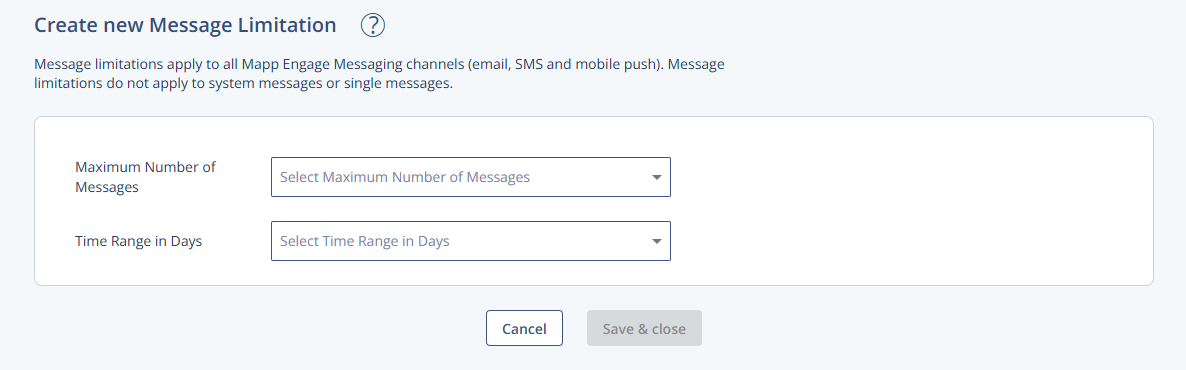
Settings
Setting | Description |
|---|---|
Maximum Number of Messages | Defines the upper limit of messages allowed within the selected time range. |
Time Range in Days | Sets the time period used to evaluate the maximum number of messages. |
Actions
Action | Description |
|---|---|
Save & close | Saves the limitation and exits the view. |
Cancel | Discards changes and exits. |
Note
Message limitations apply to all Mapp Engage messaging channels (email, SMS, and mobile push). They do not apply to system messages or single messages.