Overview
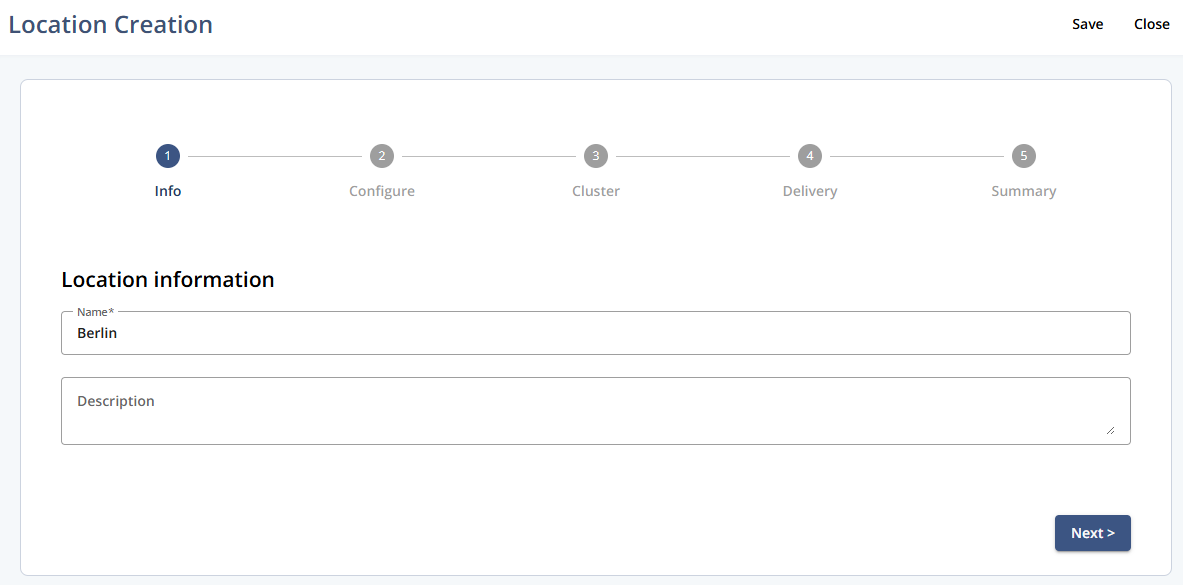
Use the Info step to enter the basic details for a new location before continuing to configuration.
Navigation path
Go to Audience > Location Management.
Click Create Location.
Settings
Setting | Description |
|---|---|
Name | Defines the location’s name. |
Description | Optional description for internal reference. |
Actions
Setting | Description |
|---|---|
Save | Saves the current location details. |
Close | Closes Location Creation without proceeding. |
Next | Moves to the next step in the flow. |