Overview
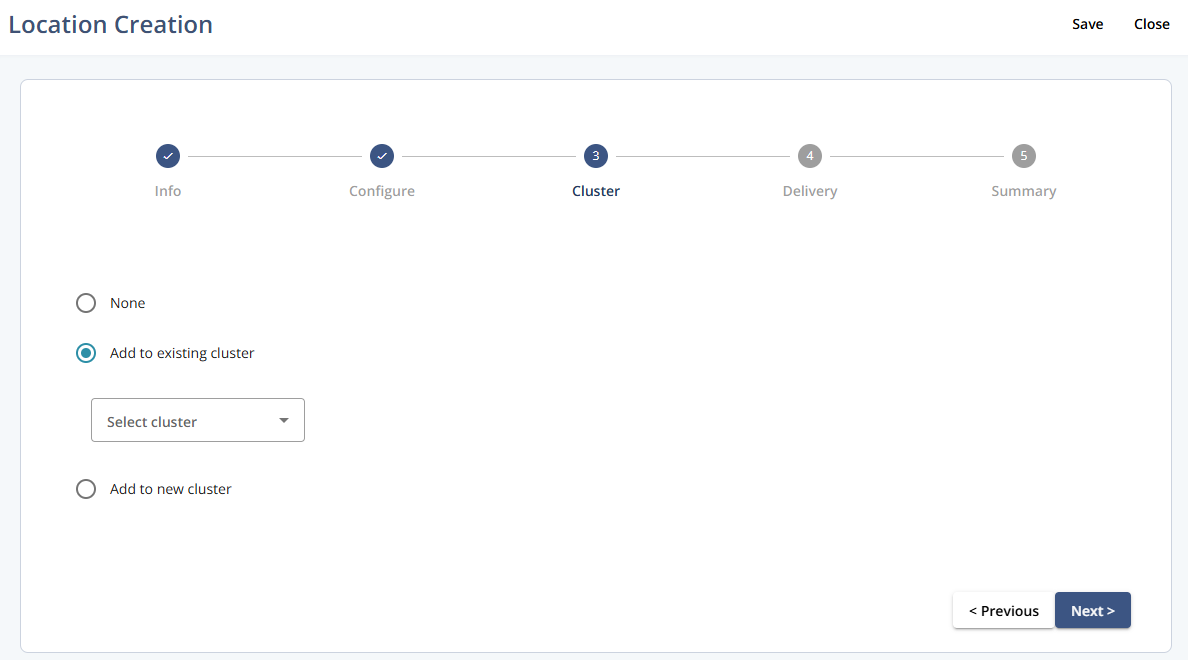
Use this step to define the cluster assignment for the new location. The options shown determine whether the location is linked to an existing cluster, a new cluster, or no cluster.
Navigation path
Go to Audience > Location Management.
Click Create Location.
Follow the location creation flow until you reach step 3 - Cluster.
Settings
Setting | Description |
|---|---|
None | Do not assign the location to any cluster. |
Add to existing cluster | Assign the location to an existing cluster. Enables Select cluster, a drop-down to choose the target cluster (example shown: “Mapp Offices”). |
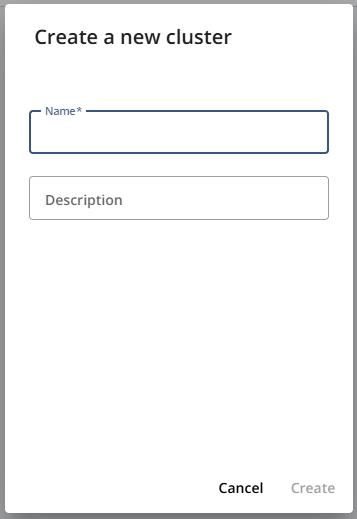
Add to new cluster | Opens a pop-up where you can create and assign the location to a new cluster. |
Add to new cluster pop-up
Actions
Action | Description |
|---|---|
Save | Saves the current configuration. |
Close | Closes Location Creation. Unsaved changes are not applied. |
Previous | Moves to the previous step in the flow. |
Next | Proceeds to the next step in the flow. |