Overview
Review all settings defined in the previous steps before completing location setup.
Navigation path
Go to Audience > Location Management.
Click Create Location.
Follow the location creation flow until you reach step 5 - Summary.
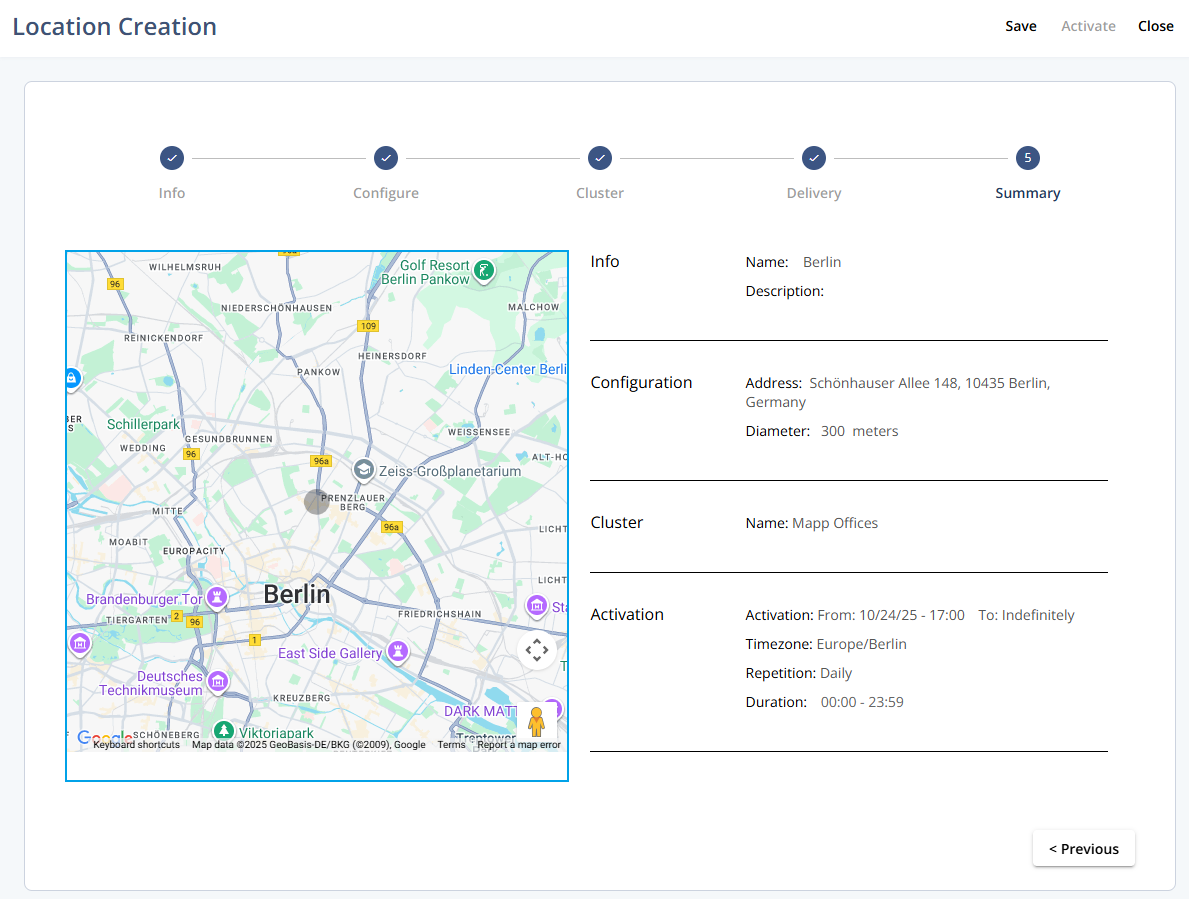
Actions
Action | Description |
|---|---|
Save | Save the current setup at this step. |
Activate | Activate the location based on the configured settings. |
Close | Exit the creation flow. |
Previous | Go back to the prior step in the flow. |