Overview
This example shows how to respect content-level opt-in preferences when sending messages. It applies to segmentation using custom profile attributes in Mapp Engage.
Contacts who opted in to receive only specific types of content are excluded from unrelated sendouts.
Example setup
A marketer offers different types of content and allows contacts to opt in only to selected categories.
Some contacts explicitly opted in to receive family-friendly content only. When sending content that does not fall into this category, these contacts must be excluded to respect their preferences.
The setup uses a custom profile attribute that stores the contact’s content preference and applies a negative condition to exclude restricted recipients.
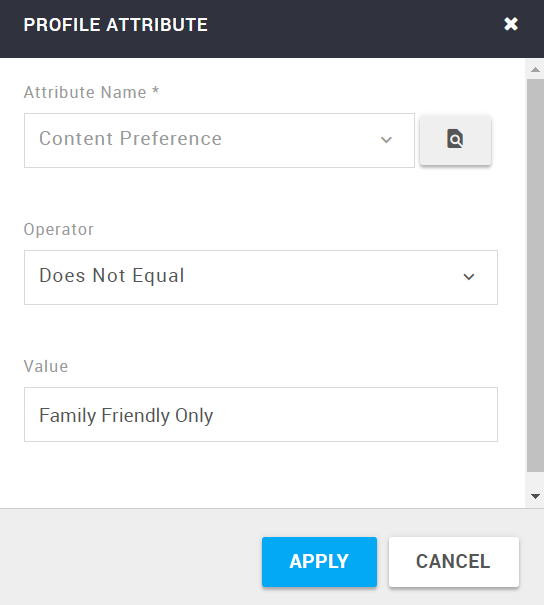
The following screenshot shows the finished segment with the content preference condition applied.

Steps
Create a segment using Contact Profile > Profile Attribute.
Select the custom attribute that stores the content preference.
Apply the condition Does Not Equal Family Friendly Only.
Explicitly define how empty values should be handled for the negative condition.
Use the segment for sendouts of content that is not family-friendly.
Notes
Content preferences should reflect explicit opt-in choices made by the contact.
When using negative conditions, handling of empty values is critical and should be defined consciously.
This pattern is typically used to prevent accidental delivery of restricted or unwanted content.