20 November 2025: We’re introducing a new way to understand the effectiveness of your product recommendations. Recommendation Tracking displays which items are shown and how often they’re clicked, so you can quickly see which recommendations work and which don’t. When a recommended product is purchased, the sale is linked back to the original recommendation, allowing you to compare the performance of products, placements, and algorithms with greater accuracy.
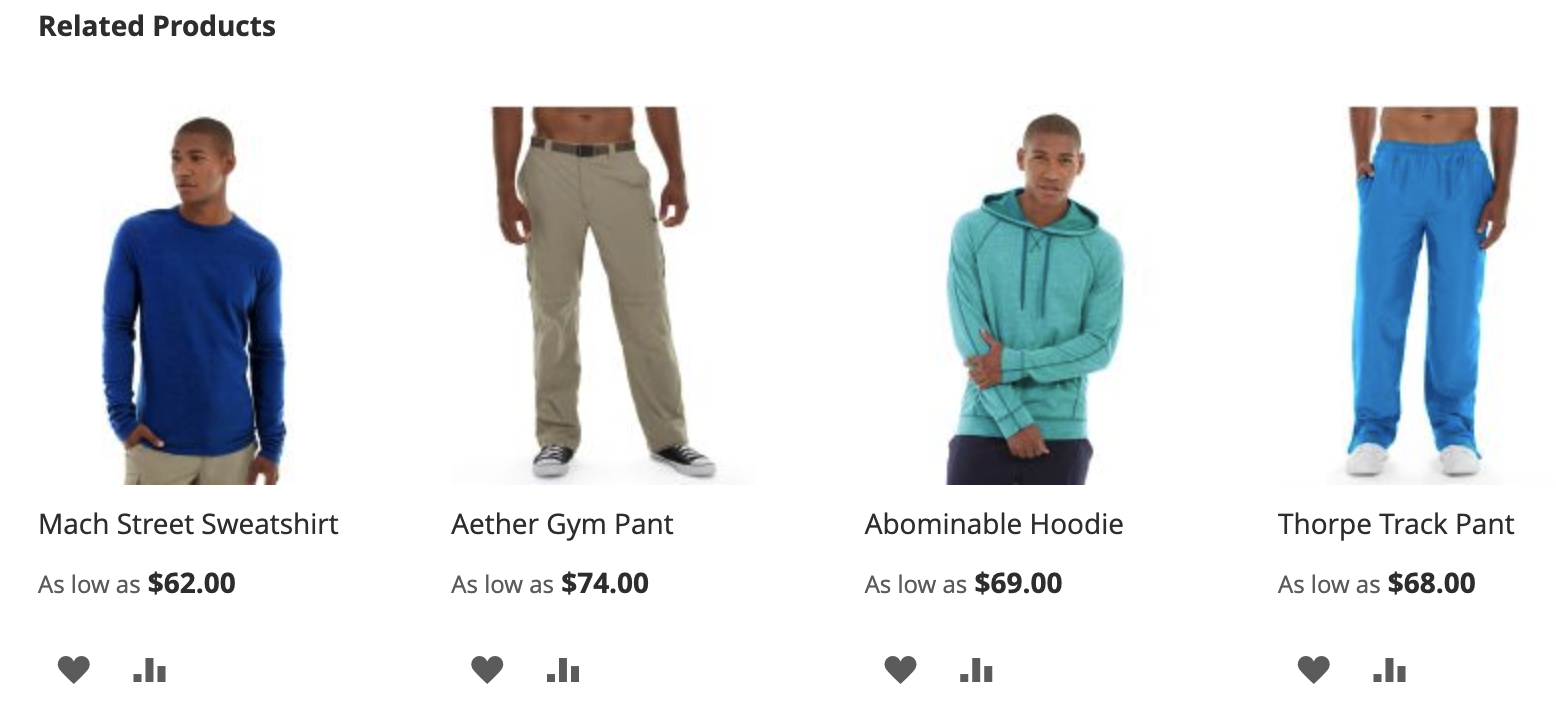
Key Benefits
Product-level measurement of recommendations
Understand which placements and positions perform best
Compare algorithms (e.g., similar items vs trending)
Attribute revenue to the recommendation click that led to the purchase.
How does it work?
When a recommended product is displayed or clicked, the Smart Pixel sends recommendation context (placement, position, algorithm). If the item is purchased within seven days, this context is automatically included with the order, enabling attribution in Mapp Intelligence.
Internally, the extension uses dedicated product status events to process these interactions. All technical details are described in the Recommendation Tracking documentation.
Integration options
Recommendation Tracking can be implemented in three ways:
Built-in Mapp Fashion recommendation widgets
No additional implementation requiredMapp Fashion API recommendation
You use Mapp Fashion recommendation data, but render the recommendations yourself. Add the Smart Pixel tracking calls to your recommendation logic.
Custom recommendations
You build your own recommendation logic and UI. You then need to manually send the required events via the Smart Pixel API.
This feature does not affect Mapp Marketing Automation.
Activation
All technical details for the setup are described in the Recommendation Tracking documentation.
The activation steps at a glance:
Upgrade to Smart Pixel version 6.8.0 or later.
Create the predefined E-Commerce parameters (placement, position, algorithm) in the Mapp Intelligence account.
Register the recommendation elements so the Smart Pixel can identify and track the displayed and clicked recommended products.
Once these steps are complete, data collection starts automatically.
Analysis
Once enabled, you can evaluate how well your recommendation performs.
The most relevant insights for marketers are:
Click-through rate
Which recommended products receive clicks?
Conversion rate (within seven days)
Which clicked products are purchased?
Placement and position performance
Where do recommendations perform best in the shop, and does the product’s position matter?
These insights help you prioritize products, refine placement, and optimize recommendation strategies. Additional analysis dimensions and metrics are available to compare performance by algorithm, category, or other product attributes. For analysis details, see the Recommendation Tracking plugin documentation.
The new Recommendation Tracking extension replaces the former generic approach with accurate, product-level tracking for each recommended item. For more background, see our FAQ.
Availability
This feature is available for all users starting November 20th.