Prepared Messages: Current Use
- 1 minute(s) read
Overview
This window shows where a prepared message is used in Mapp Engage. This information is important if you want to edit or archive a prepared message.
This page can take a long time to load.
Navigation Path
In the Main Navigation, click Messages > Prepared Messages > Email or SMS.
In the Actions column, click  > Current Use.
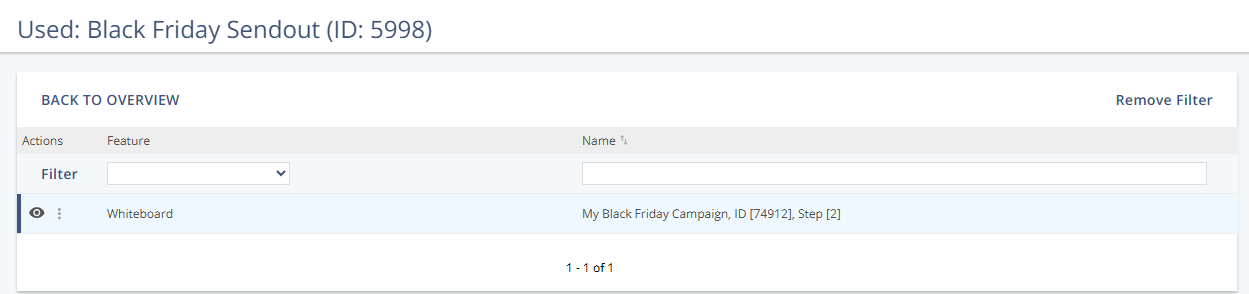
Filters
Information | Description |
|---|
Feature | Displays where the prepared message is in use. Whiteboard: The prepared message is used on a whiteboard. For more information, see Whiteboard. Event-based Automation: The prepared message is used in event-based automation. For more information, see Event-Based Automation. Time-based Automation: The prepared message is used in time-based automation. For more information, see Time-Based Automation.
|
Name | Displays the name of the automation or whiteboard where the prepared message is in use. |
Was this article helpful?