Overview
The SMS Statistics section provides basic delivery data for sent SMS messages. It helps users evaluate message performance, identify delivery issues, and understand common bounce reasons. Due to technical limitations of SMS, interaction-level metrics such as opens or clicks are not available.
Background Information
SMS metrics are limited compared to email due to the nature of the SMS protocol.
Mobile numbers producing a spam response are automatically deactivated to prevent further delivery attempts.
Navigation Path
Go to Statistics > Group Messages > SMS. For single messages, go to Statistics > Single Messages > SMS.
Click the chart icon (View Statistics) next to the message.
⇒ The Message Statistics window opens.
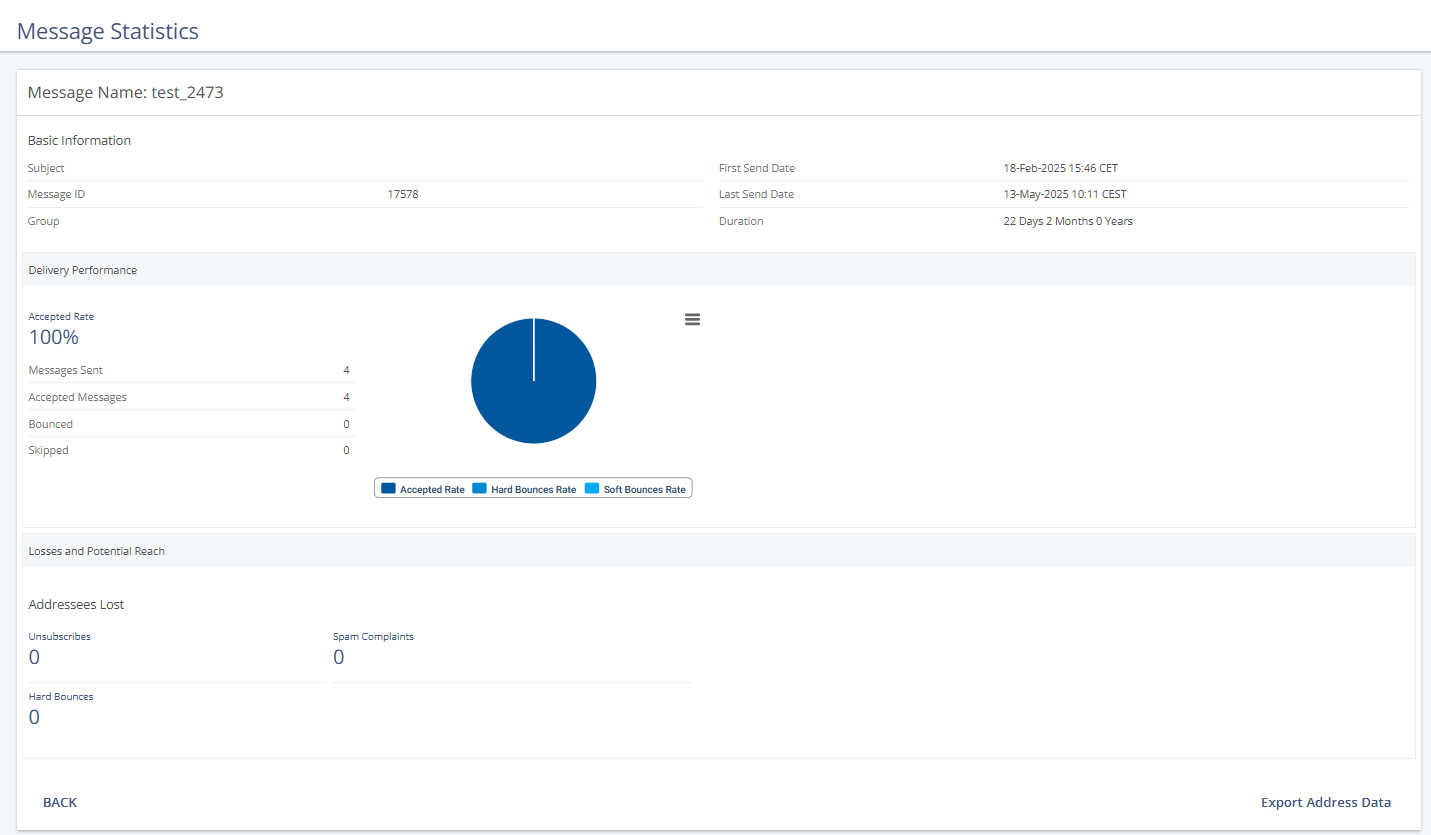
Statistics
Basic Information
Shows the message ID, the group, the group size, the selection, the sendout date, and the transport date of the message. For details, see Message Statistics.
Delivery Performance
Statistic | Description |
|---|---|
Accepted Rate | Displays the percentage of sent SMS messages that were accepted. Accepted Rate = Accepted / Messages Sent |
Messages Sent | Displays the total number of SMS messages sent by the system. |
Accepted | Displays the total number of SMS messages delivered to the recipients' inbox. |
Bounced | The number of SMS messages that were not delivered because they were rejected by the recipient's carrier or failed due to issues such as invalid numbers, blocked numbers, or network errors. |
Skipped | Displays the number of SMS messages that Mapp Engage did not send, for example because no mobile number is stored for the contact. To see the reasons, click View Details next to Delivery Performance and open the Skipped Messages tab. |
Addresses Lost
Bounce Type | Description |
|---|---|
Unsubscribes | Message was refused by the carrier, potentially due to the subscriber's SMS quota being exceeded. |
Hard Bounces | Displays the number of SMS messages that failed to deliver due to a permanent error (e.g., an invalid or deactivated phone number). The recipient's carrier rejects these messages and cannot deliver them. |
Spam Complaints | The subscriber has opted out of receiving further messages, or the content triggered a spam warning. These numbers are automatically deactivated. |
Actions
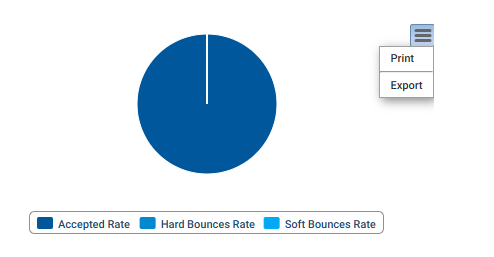
Print or Export Graph
Click the hamburger menu to print or export the graph.
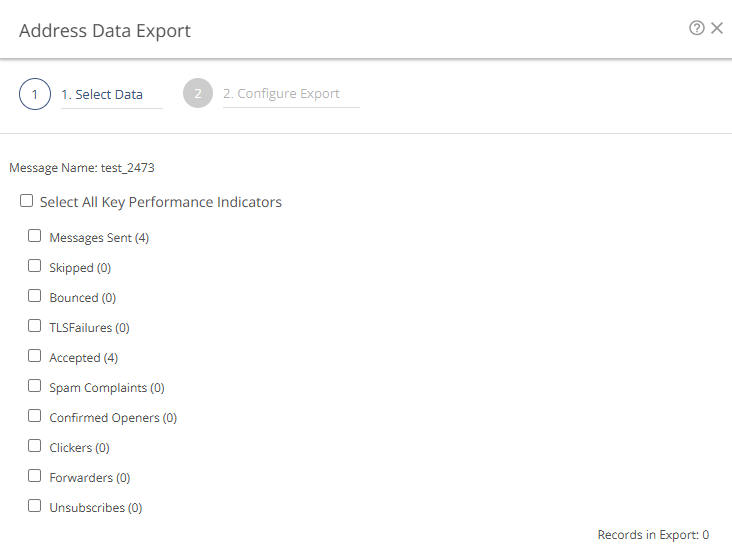
Export Address Data
Click Export Address Data to configure a KPI export.
Export Excel Report
Click Export Excel Report and select the report language to export the statistics as an Excel file. To export a CSV file instead, click the arrow next to the button and select Export CSV.