Overview
Use this window to review a message that waits for approval and to approve or reject it. Only members of the approvers list assigned to the group can approve or reject messages. For how moderation works, see Message Moderation.
Navigation Path
Navigate to Messages > Outbox and select the Email or SMS tab.
From the Status list, select Moderated.
Click ⋮ (More options) next to the message.
Select Approve or Reject.
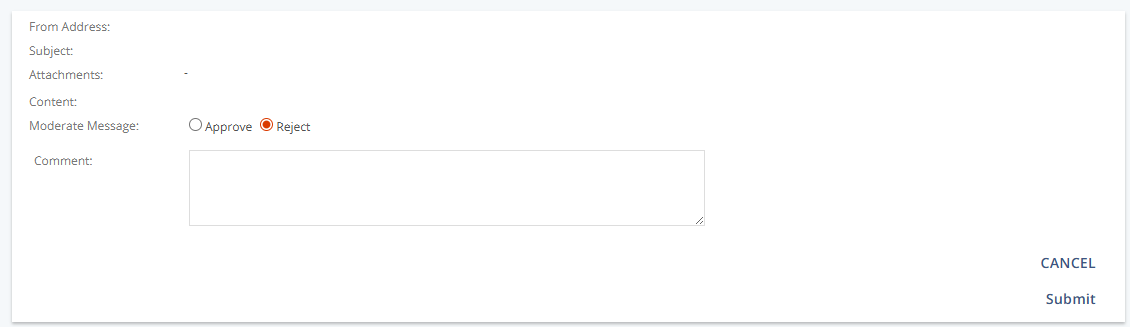
Settings
Setting | Description |
|---|---|
From Address | Displays the sender address, which is defined in the group settings. |
Subject | Shows the subject line of the message. |
Attachments | Lists any files attached to the message. |
Content | Displays the message content: |
Comment | Optional. Explains why you reject the message. The author receives the comment with the rejection notice. |
Actions
Action | Description |
|---|---|
Approve | Approves the message. The sendout starts at the scheduled time, or immediately if no time was scheduled. |
Reject | Rejects the message. The sendout does not start, the status changes to Rejected, and the author is notified by system message. |
Submit | Confirms your decision and completes the moderation. |
Additional Information
If the group requires the four-eyes principle, you cannot approve or reject messages that you created yourself.
If a message is rejected, the author receives the system message
SysMsgMessageRejected.