Introduction
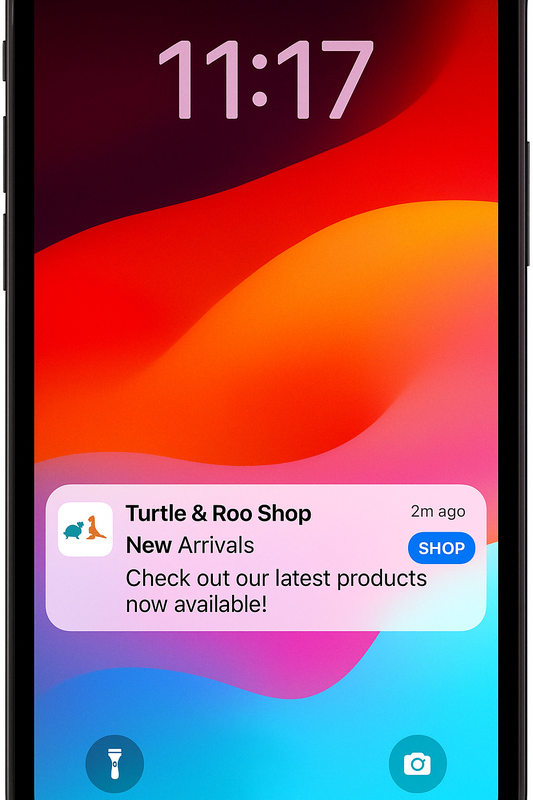
Mobile push notifications allow you to reach app users with short, timely messages — even when the app is not open. Messages appear directly on the device screen and can encourage engagement, deliver updates, or prompt immediate action.
Why use Push Notifications?
Reach app users in real-time, outside the app
Deliver product updates, reminders, or special offers
Personalize and segment your messages
Trigger sendouts based on app events or user behavior
Combine push with email and in-app for a multi-channel strategy
Push Notifications in Mapp Engage
Mapp Engage supports mobile push delivery via Apple Push Notification Service (APNS) and Firebase Cloud Messaging (FCM). You can create, personalize, and automate messages using the same tools you already know - including segmentation, whiteboards, and contact management.
To send push notifications, your app must be connected to Mapp’s Mobile SDK.
Explore more
Learn more about working with mobile push in Mapp Engage:
Basics – Create and preview your message
How-tos – Step-by-step guidance for setup and delivery
Push Notifications: Overview - Explanations of the user interface elements, tables, and screens.
Looking for a structured learning path?
Learn step by step in our Academy Course: Mapp Engage - SMS, Push & In-App.
.png "grafik(33).png")
For Developers
To send mobile push notifications, your app must be integrated with Mapp’s Mobile SDK. View the technical documentation